How to Clean Your TV Screen for Crystal Clear Viewing Experience
Maintaining a clean TV screen is crucial for several reasons. First and foremost, a dirty screen can significantly impact the viewing experience. Dust, fingerprints, and smudges can create a hazy, blurred appearance, making it difficult to enjoy your favourite shows, movies, or gaming sessions. Additionally, neglecting to clean your TV screen can lead to permanent damage over time, as the buildup of grime and debris can scratch the surface or even seep into the internal components.
Regular cleaning not only preserves the quality of your TV’s display but also helps extend its lifespan. By removing the accumulation of dirt and residue, you can ensure that your TV continues to deliver the vibrant, high-definition images you expect. Furthermore, a clean screen can enhance the aesthetic appeal of your home entertainment setup, creating a more polished and inviting atmosphere.
Table of Contents
Common mistakes to avoid when cleaning your TV screen
When cleaning your TV screen, you must be cautious and avoid common mistakes that can harm the delicate display. One of the most common mistakes is using abrasive or harsh cleaning materials, such as paper towels, tissues, or regular household cleaners. These can scratch the screen or leave a residue that further obscures the image quality.
Another mistake to avoid is applying excessive pressure or force when wiping the screen. This can lead to the formation of scratches or even damage the screen’s protective coating. It’s also crucial to steer clear of using water or other liquid cleaners directly on the screen, as this can seep into the TV’s internal components and cause irreparable damage.
Tools and materials needed for cleaning your TV screen
To ensure a thorough and effective cleaning process, having the right tools and materials on hand is essential. Here’s a list of what you’ll need:
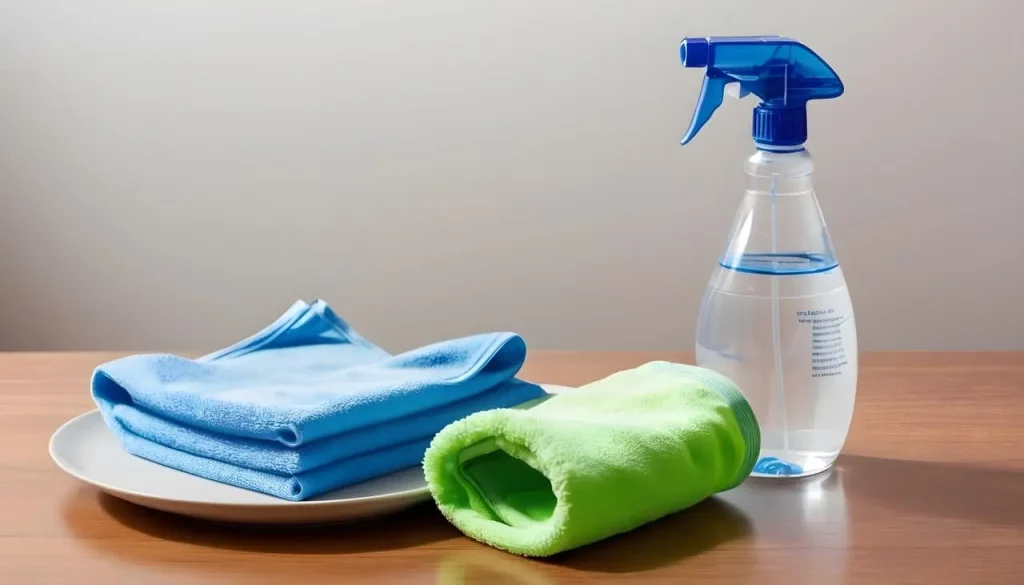
- Microfiber cloth: A high-quality microfiber cloth is the best choice for cleaning your TV screen, as it is gentle on the surface and effectively removes dust, fingerprints, and smudges without leaving behind any lint or fibres.
- Screen cleaning solution: Opt for a specialized TV screen cleaning solution designed to be safe for use on delicate displays. Avoid using household cleaners, as they may contain harsh chemicals that can damage the screen.
- Compressed air: A can of compressed air can be helpful for gently blowing away any loose debris or dust from the screen’s surface and hard-to-reach areas.
- Soft-bristled brush: A soft-bristled brush, such as a lens cleaning brush, can dislodge and remove any stubborn dirt or grime.
- Gloves (optional): Wearing clean, lint-free gloves can help prevent the transfer of oils from your hands to the screen during the cleaning process.
Step-by-step guide on how to clean your TV screen
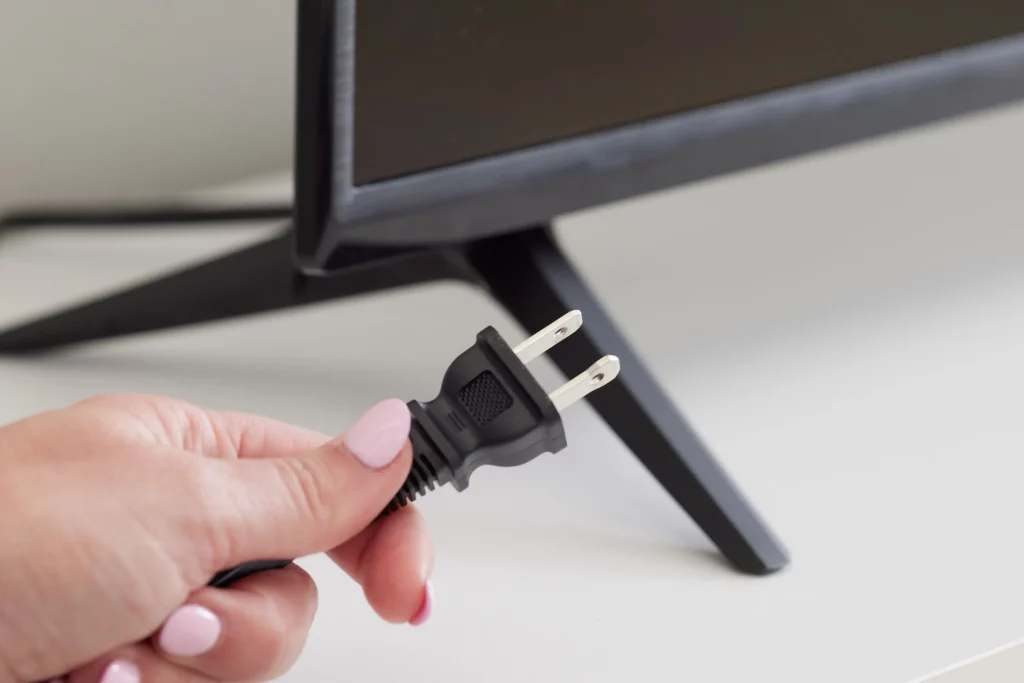
- Unplug the TV: Before you begin cleaning, unplug your TV from the power source to ensure your safety and prevent any potential damage.
- Dust the screen: Start using the compressed air can to gently blow away any loose dust or debris from the screen’s surface. Hold the can upright and use short, controlled bursts to avoid pushing the dirt deeper into the screen.
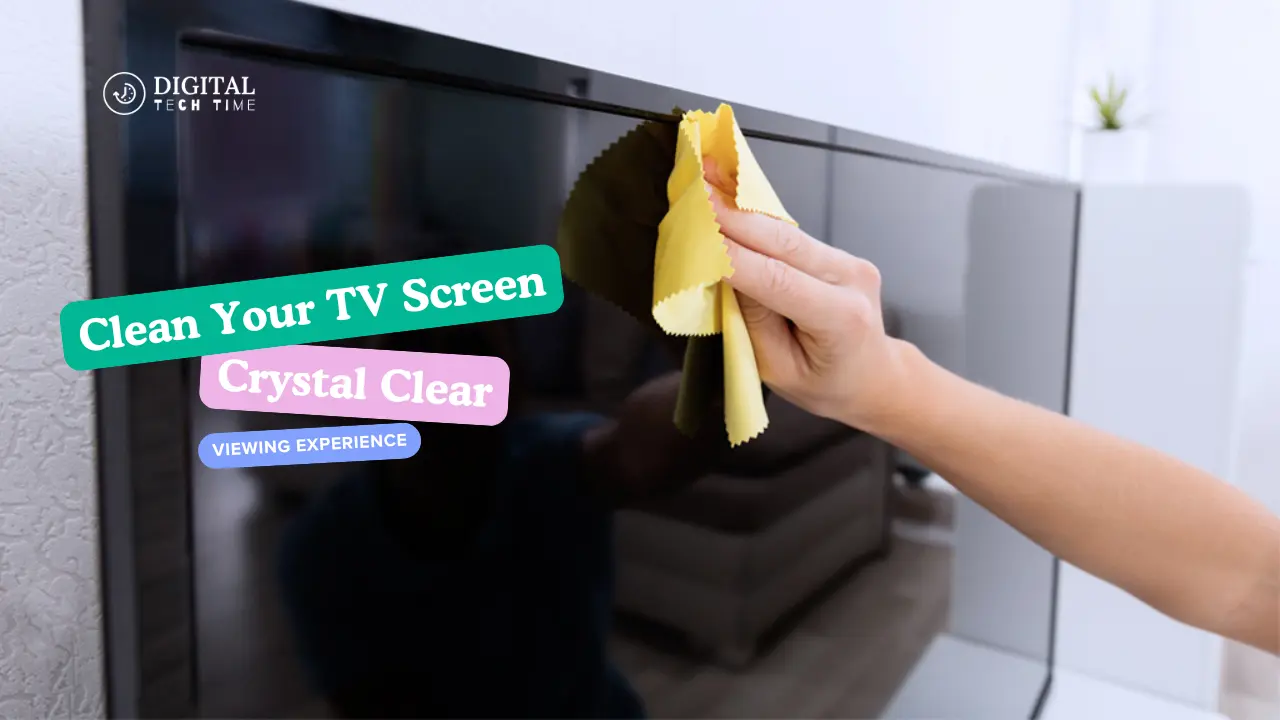
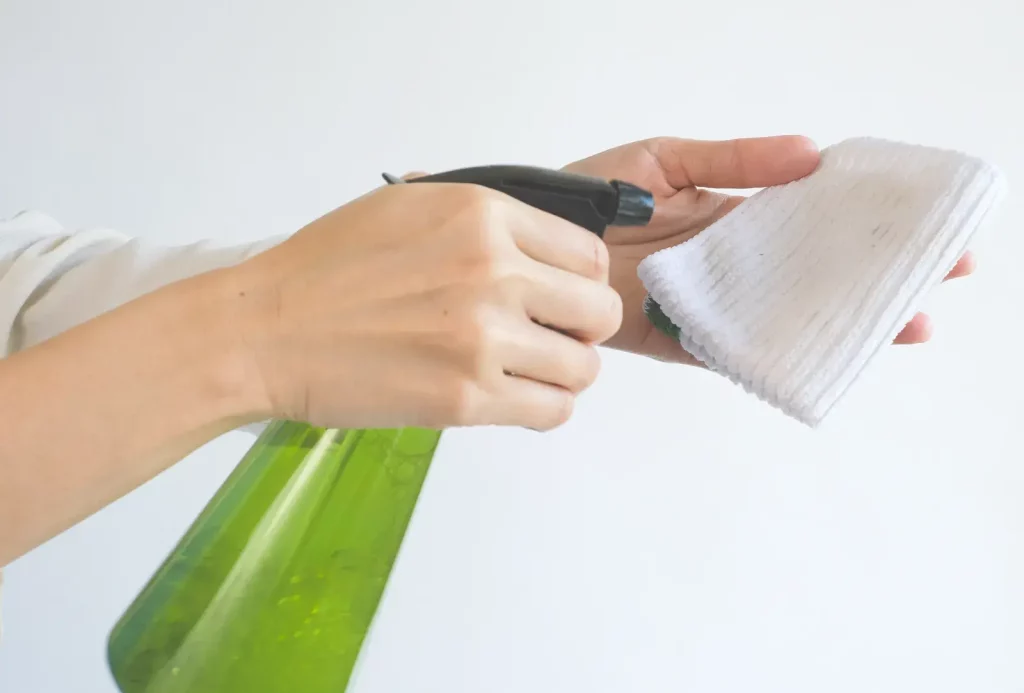
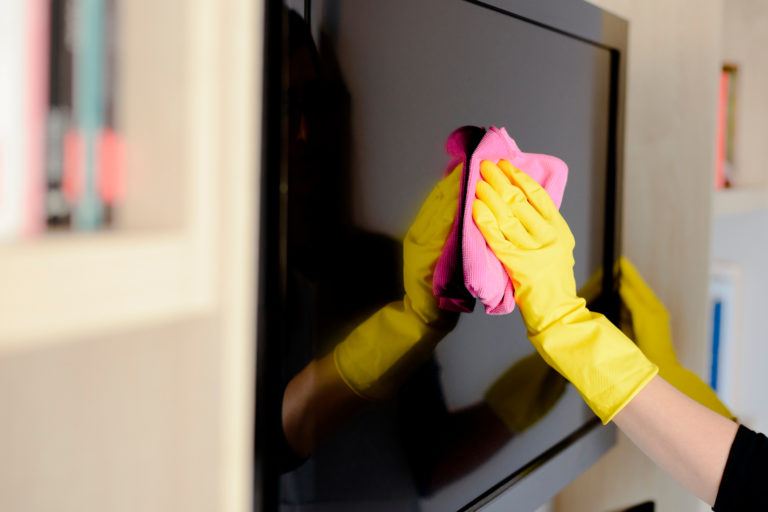
- Apply the cleaning solution: Lightly spray the screen cleaning solution onto a microfiber cloth, avoiding direct application to the screen. Gently wipe the screen in a circular motion, applying light pressure to remove any fingerprints, smudges, or residue.
- Wipe the screen dry: Use a dry microfiber cloth to gently wipe the screen and remove any remaining moisture or cleaning solution. Be sure to wipe gently and circularly to avoid leaving any streaks or lint behind.
- Inspect and repeat: Inspect the screen for any remaining dirt or smudges. Repeat the cleaning process using a fresh microfiber cloth and a small cleaning solution.
- Avoid water and abrasives: Never use water, household cleaners, or abrasive materials directly on the screen, as these can cause permanent damage to the display.
- Dry the screen completely: Ensure that the screen is completely dry before powering on the TV to prevent any potential issues with the internal components.
Tips for maintaining a clean TV screen
Keeping your TV screen clean is an ongoing process, and it’s essential to establish a regular cleaning routine to maintain its pristine condition. Here are some tips to help you maintain a clean TV screen:
- Dust regularly: Use compressed air or a soft, dry microfiber cloth to dust the screen gently or as needed every week to prevent the buildup of dust and debris.
- Avoid touching the screen: Minimize the number of times you touch the screen, as fingerprints and oils from your hands can quickly accumulate and create unsightly smudges.
- Use protective covers: Consider investing in a screen protector or cover when the TV is not in use to prevent dust and dirt from settling on the surface.
- Keep the environment clean: Ensure that the room where your TV is located is well-maintained and free from excessive dust, smoke, or other airborne particles that can contribute to the screen’s dirtiness.
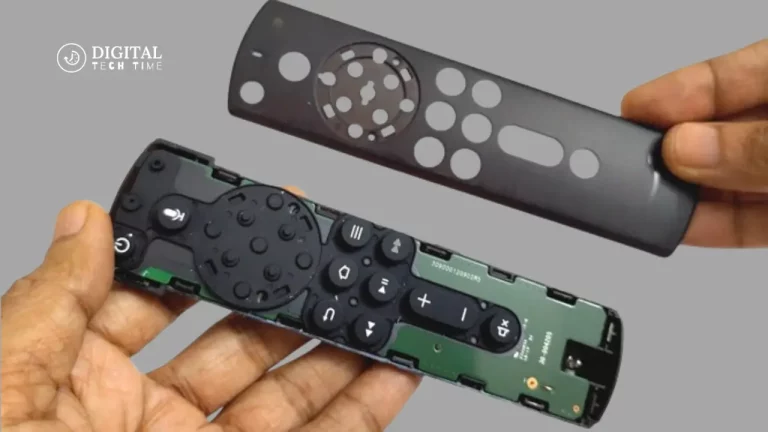
- Clean the remote control: Remember to clean your TV’s remote control regularly, as it can accumulate dust and grime over time, which can then be transferred to the screen during use.

Cleaning alternative screens (LCD, LED, OLED, etc.)
While the basic cleaning principles remain the same, there are some specific considerations when cleaning different types of TV screens:
LCD (Liquid Crystal Display): LCD screens are prone to scratches, so it’s essential to use a very gentle touch and avoid applying excessive pressure during cleaning.
LED (Light-Emitting Diode): LED screens are similar to LCD screens in terms of cleaning requirements, but they may be more susceptible to water damage, so it’s crucial to use a damp (not wet) microfiber cloth.
OLED (Organic Light-Emitting Diode): OLED screens are delicate and can be easily damaged by harsh cleaning materials. Use a soft, dry microfiber cloth and avoid any liquids or abrasives.
Plasma: Plasma screens are more fragile and require extra care when cleaning. Use a dry, soft-bristled brush or a microfiber cloth to remove dust and debris gently.
Regardless of the screen type, always refer to the manufacturer’s cleaning instructions to ensure you use the appropriate methods and materials for your TV model.
Recommended cleaning products for TV screens
When cleaning your TV screen, using products specifically designed for delicate displays is essential. Here are some recommended cleaning products to consider:
- Screen cleaning solutions: Look for solutions formulated on TVs, computer monitors, and other electronic displays. These solutions are typically alcohol-free and gentle on the screen’s surface.
- Microfiber cloths: High-quality microfiber cloths are the best choice for cleaning TV screens, as they are soft, lint-free, and effectively remove dust, fingerprints, and smudges without scratching the surface.
- Compressed air: Cans of compressed air can be helpful for gently blowing away loose debris and dust from the screen and hard-to-reach areas.
- Screen cleaning wipes: Pre-moistened screen cleaning wipes can be a convenient option for quick touch-ups and spot cleaning, but be sure to use them sparingly and avoid over-saturating the screen.
- Lens cleaning brushes: Soft-bristled lens cleaning brushes can dislodge and remove any stubborn dirt or grime from the screen’s surface.
Always refer to the manufacturer’s recommendations and avoid using household cleaners, paper towels, or other abrasive materials that can damage your TV screen.
Also Read: How to Install Kodi on Chromebook: Step-by-Step Guide
Frequently asked questions
Q: How often should I clean my TV screen?
A: It’s recommended to clean your TV screen regularly, typically once a week or as needed, to prevent the buildup of dust, fingerprints, and other debris that can degrade the image quality.
Q: Can I use a microfiber cloth to clean my TV screen?
A: Microfiber cloths are the best choice for cleaning TV screens. They are soft and lint-free and effectively remove dirt and smudges without scratching the surface.
Q: Is it safe to use water to clean my TV screen?
A: No, using water or other liquid cleaners directly on the TV screen is generally not recommended, as they can seep into the internal components and cause damage. Stick to specialized screen cleaning solutions designed for delicate display use.
Q: Can I use household cleaners to clean my TV screen?
A: No, household cleaners, such as glass or all-purpose cleaners, should be avoided when cleaning your TV screen. These products often contain harsh chemicals and abrasives that can damage the screen’s surface.
Q: How do I clean the TV remote control?
A: To clean the TV remote control, start by removing the batteries, then use a microfiber cloth dampened with a small amount of screen cleaning solution to wipe down the exterior gently. For stubborn dirt or debris, you can use a soft-bristled brush or a toothpick to dislodge the particles carefully.
Conclusion
Maintaining a clean TV screen is essential for ensuring a crystal clear viewing experience and prolonging the life of your television. Following the steps outlined in this guide, you can effectively clean your TV screen and remote control, avoiding common mistakes and using the right tools and materials to keep your display looking its best.
Remember to clean your TV screen regularly, use gentle, specialized cleaning products, and handle the screen carefully to prevent damage. By correctly cleaning and maintaining your TV, you can enjoy a high-quality, immersive viewing experience for years to come.