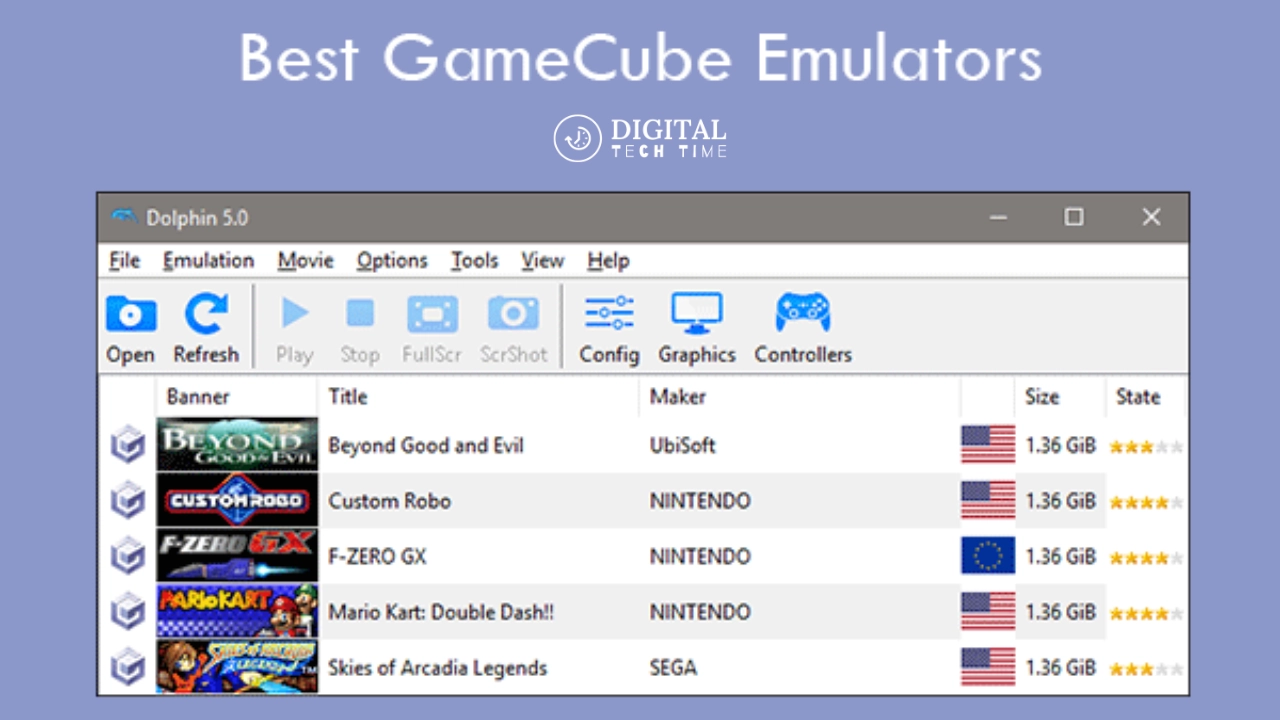
Top GameCube Emulators for Multiple Platforms
The Nintendo GameCube, released in 2001, was a beloved console that left an indelible mark on the gaming landscape. With its iconic design, innovative controller, and library of incredible games, the GameCube continues to hold a special place in the hearts of many gamers. While the original hardware may no longer be readily available, the power of emulation has allowed us to experience these beloved games on a wide range of devices.
Table of Contents
The Benefits of Using GameCube Emulators
Emulating the GameCube offers many benefits for casual and hardcore gamers. By running these games on modern hardware, you can enjoy enhanced visuals, higher resolutions, and smoother framerates, often surpassing the original console’s capabilities. Additionally, emulators provide features like save states, rewind functions, and the ability to run games on your own devices, making it more convenient than digging out the original hardware.
GameCube Emulator Options for Windows
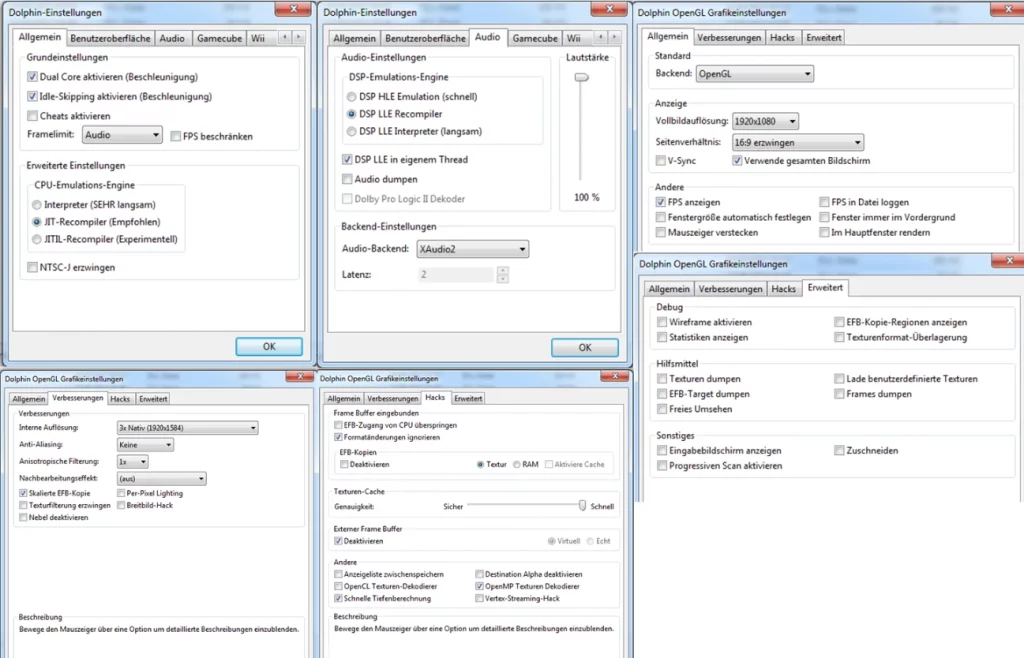
The best and most reliable GameCube emulator for Windows is the Dolphin emulator.
Dolphin is a free and open-source emulator for Windows PCs that allows you to play GameCube and Wii games. It is highly compatible and offers full support for GameCube controllers and other peripherals.
Dolphin is the go-to choice for GameCube emulation on PC. It offers features like upscaled graphics, customizable settings, and excellent performance on modern hardware. The emulator is actively developed and maintained, ensuring a smooth and reliable gaming experience.
Some key benefits of using Dolphin for GameCube emulation on Windows include:
- Full GameCube and Wii game support
- Customizable graphics settings for performance and visual enhancements
- Compatibility with original GameCube controllers and accessories
- Active development and frequent updates with bug fixes and improvements
- Available for free and open-source
Overall, Dolphin is the clear choice for GameCube emulation on Windows and provides an excellent way to play classic Nintendo games on your PC.
GameCube Emulator Options for Mac
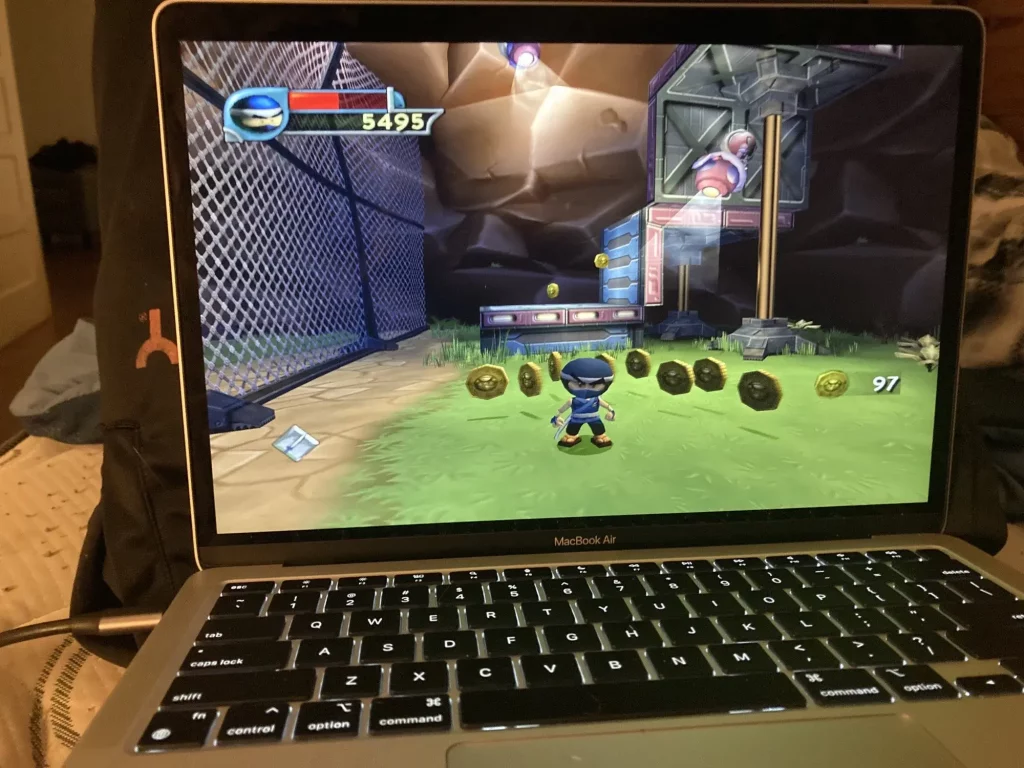
The best GameCube emulator for Mac is the Dolphin Emulator. Dolphin is a cross-platform open-source emulator that allows you to play GameCube and Wii games on your Mac.
Some key features of Dolphin Emulator on Mac include:
- Compatible with both Intel and Apple Silicon Macs
- Supports high-resolution rendering and upscaling of games
- Allows customization of controls, graphics, and other settings
- Provides save state functionality to quickly resume games
- It has an extensive library of compatible games that can be played smoothly
Dolphin is the most comprehensive and well-maintained GameCube and Wii emulator available for Mac. It offers the best GameCube emulation experience on the platform, allowing you to rediscover classic Nintendo titles on your modern Mac computer.
GameCube Emulator Options for Linux
Dolphin is the leading emulator for playing GameCube and Wii games on Linux. It allows PC gamers to enjoy these Nintendo console games in full HD with various enhancements, such as support for all PC controllers, turbo speed, networked multiplayer, and more.
To install Dolphin on Linux, you can use the package available in the Flathub repository. The Flathub app provides an easy and secure way to install the latest version of Dolphin on your Linux system.
Dolphin is an open-source, community-developed project released under the GNU General Public License. It supports both the x86_64 and AArch64 Linux architectures.
While Dolphin’s stable releases can become outdated, you can also install the development version from the AUR (Arch User Repository) to get the latest features and improvements. However, the development builds may need to be tested more.
Overall, Dolphin is the premier option for playing GameCube and Wii games on Linux, offering excellent compatibility, performance, and customization options for PC gamers.
GameCube Emulator Options for Android
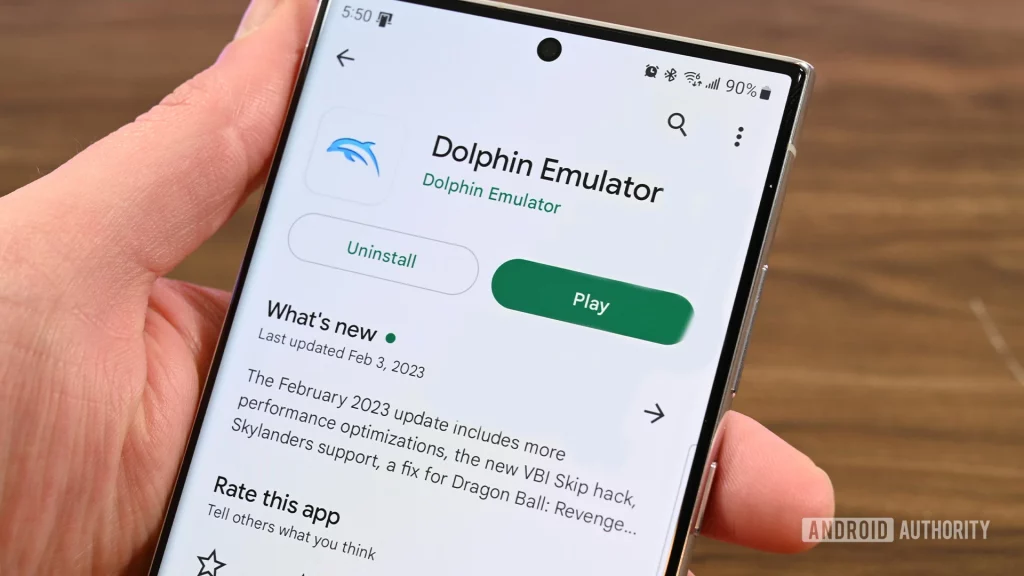
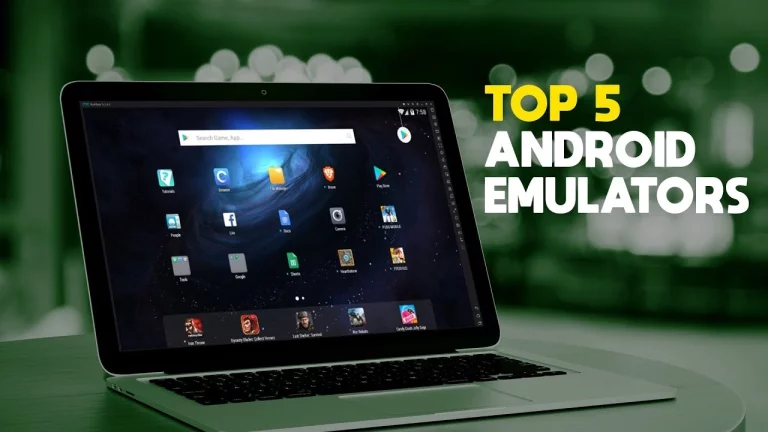
For mobile gamers, the world of GameCube emulation on Android is rapidly evolving. Prominent options include Skyline, a relatively new emulator with impressive performance and compatibility, and the well-established Dolphin Emulator, which has been ported to Android devices. These emulators allow you to experience your favorite GameCube titles on the go, with the added benefit of touch controls and mobile device integration.
GameCube Emulator Options for iOS
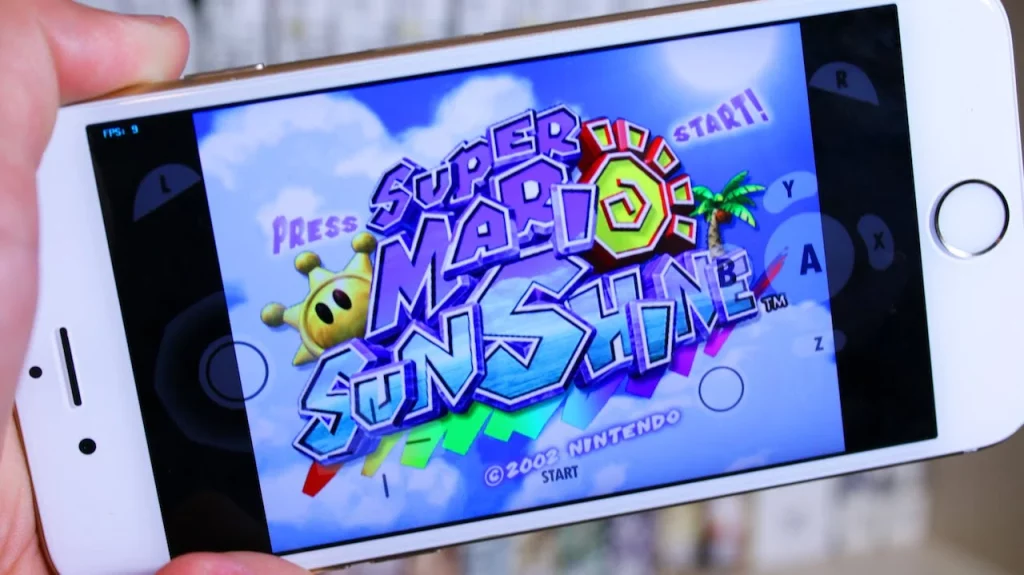
While the options for GameCube emulation on iOS are more limited than other platforms, there are a few notable choices. One such option is Provenance, a comprehensive emulator that supports a wide range of classic consoles, including the GameCube. However, due to the restrictions imposed by Apple’s ecosystem, the installation process for iOS emulators can be more complex and may require jailbreaking your device.
GameCube Emulator Options for Raspberry Pi
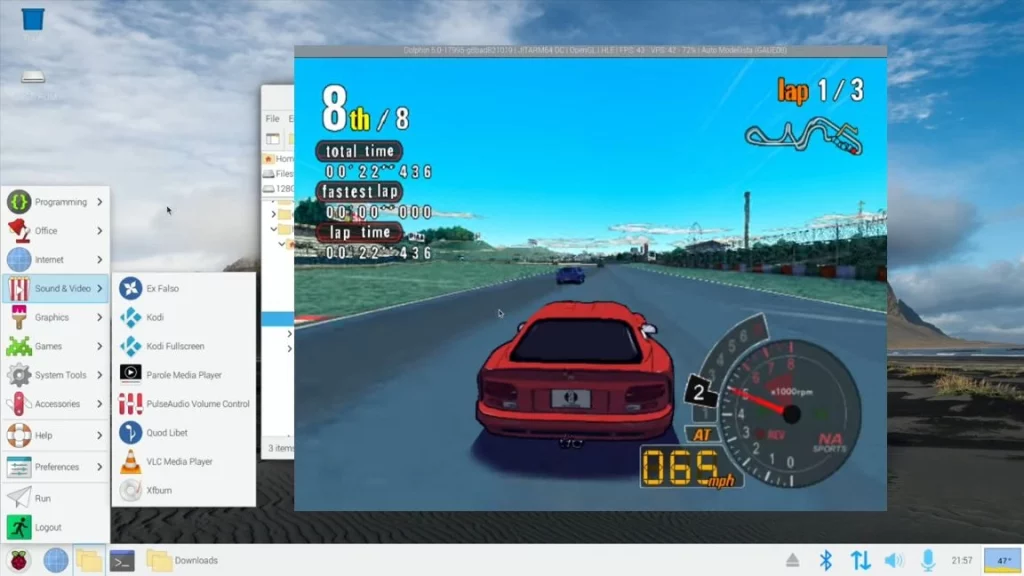
The Raspberry Pi 5 can emulate Nintendo GameCube and Wii games using the Dolphin emulator. Its performance is generally playable, though it may require some tweaking and overclocking to achieve smooth performance.
You’ll need to install the Dolphin emulator to set up GameCube emulation on a Raspberry Pi 5. The Batocera Linux distribution includes Dolphin and supports GameCube and Wii emulation out of the box.
Some key points about GameCube emulation on Raspberry Pi 5:
- The Raspberry Pi 5 offers significantly more processing power than older models, making it viable for GameCube emulation.
- Overclocking the Raspberry Pi 5 and using the Vulkan graphics API can help improve performance.
- To achieve optimal performance, you may need to configure settings per game. The GameINI files allow customization of settings for individual games.
- Save/load functionality can be problematic on the Raspberry Pi 5, potentially crashing Dolphin. This is an ongoing issue that may require workarounds.
Overall, while the Raspberry Pi 5 is capable of GameCube emulation, some effort is required to get the best results. Newer Raspberry Pi models offer improved capabilities for this task compared to older generations.
GameCube Emulator Options for Xbox
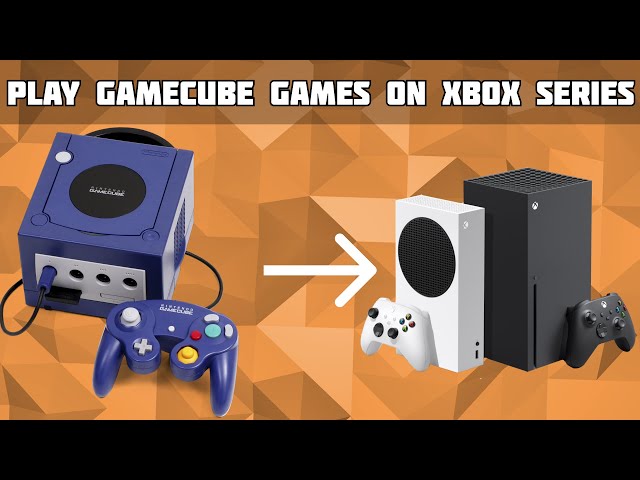
Using various emulators on their consoles, Xbox owners can now emulate GameCube and Wii games. The most popular options are:
- Retroarch: Retroarch is a comprehensive emulator frontend that supports a wide range of classic gaming systems, including GameCube and Wii. It can be installed on the Xbox Series X/S through the dev mode.
- Dolphin Emulator: Dolphin is a dedicated GameCube and Wii emulator ported to run on the Xbox Series X/S as a Universal Windows Platform (UWP) app. This allows users to play various GameCube and Wii games on their Xbox.
To set up GameCube or Wii emulation on the Xbox, users must enable the dev mode on their console and then install the desired emulator. Detailed guides demonstrating the step-by-step process are available on YouTube.
The ability to play classic Nintendo games on the Xbox opens up a wide range of gaming possibilities for Xbox owners, allowing them to revisit beloved GameCube and Wii titles on their modern console.
GameCube Emulator Options for PlayStation
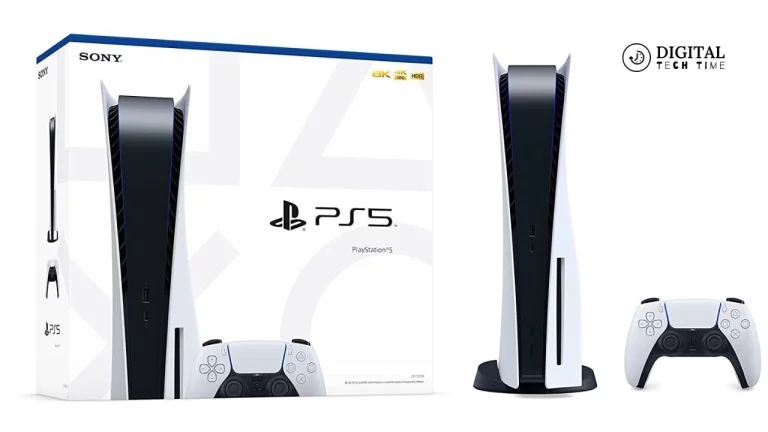
While the PlayStation consoles do not natively support GameCube emulation, some workarounds are available. One option is to use the PCSX2 emulator, which can be configured to run GameCube games, albeit with some compatibility and performance challenges. However, the PlayStation’s hardware limitations make it a less-than-ideal platform for comprehensive GameCube emulation.
GameCube Emulator Options for Nintendo Switch
With its versatility and growing emulation community, the Nintendo Switch has become a surprising contender for GameCube emulation. While Nintendo’s official stance on emulation is strict, third-party solutions, such as the Skyline emulator, have been successfully ported to the Switch, allowing users to experience their favorite GameCube titles on Nintendo’s latest console.
Related Post: How to Install and Use Dolphin Emulator
Frequently Asked Questions
Q: Is it legal to use GameCube emulators?
A: The legality of using GameCube emulators is a complex and often debated topic. While the emulators are generally considered legal, acquiring game ROMs or ISOs may be in a legal gray area, as it often involves downloading copyrighted material without the copyright holder’s permission. Researching and understanding your region’s laws before engaging in any emulation activities is essential.
Q: Do GameCube emulators support online multiplayer?
A: Yes, many GameCube emulators, such as Dolphin, offer robust online multiplayer support, allowing you to play classic GameCube titles with friends over the internet. This feature is precious for games that initially had a solid multiplayer component.
Q: Can I use original GameCube controllers with emulators?
A: Absolutely! Most GameCube emulators, including Dolphin, support the use of original GameCube controllers, either through direct USB connections or adapters. This allows you to enjoy the authentic feel and controls of the original GameCube experience.
Conclusion
In the ever-evolving world of emulation, the options for experiencing the beloved GameCube console on a wide range of platforms are awe-inspiring. Whether you’re a Windows, Mac, Linux, Android, or even a Nintendo Switch user, a GameCube emulator can cater to your needs and deliver an exceptional gaming experience.
To find the best GameCube emulator for your platform, explore the options presented in this article and try out a few to see which works best for your setup and preferences. With the power of emulation, the classic GameCube library can be revived and enjoyed for years to come.