Can You Watch Apple TV on an Android Device?
In the ever-evolving world of streaming media, the question of whether you can watch Apple TV on an Android device is a common one. As the digital entertainment landscape expands, users constantly seek ways to access their favorite content across various platforms. In this article, we’ll dive deep into the compatibility between Apple TV and Android devices, exploring the official and unofficial methods available and the limitations and alternatives you should consider.
Table of Contents
Compatibility between Apple TV and Android devices
At the outset, it’s important to understand the fundamental differences between Apple TV and Android devices. Apple TV is a proprietary streaming device developed by Apple and designed to integrate seamlessly with the company’s ecosystem of products and services. On the other hand, Android is an open-source operating system used by various device manufacturers, each with hardware and software configurations.
Given these inherent differences, the compatibility between Apple TV and Android devices is more complex than one might hope. While some official and unofficial methods are available for accessing Apple TV content on Android, the experience may not be as seamless or feature-rich as it is on Apple’s devices.
Official ways to watch Apple TV on Android devices
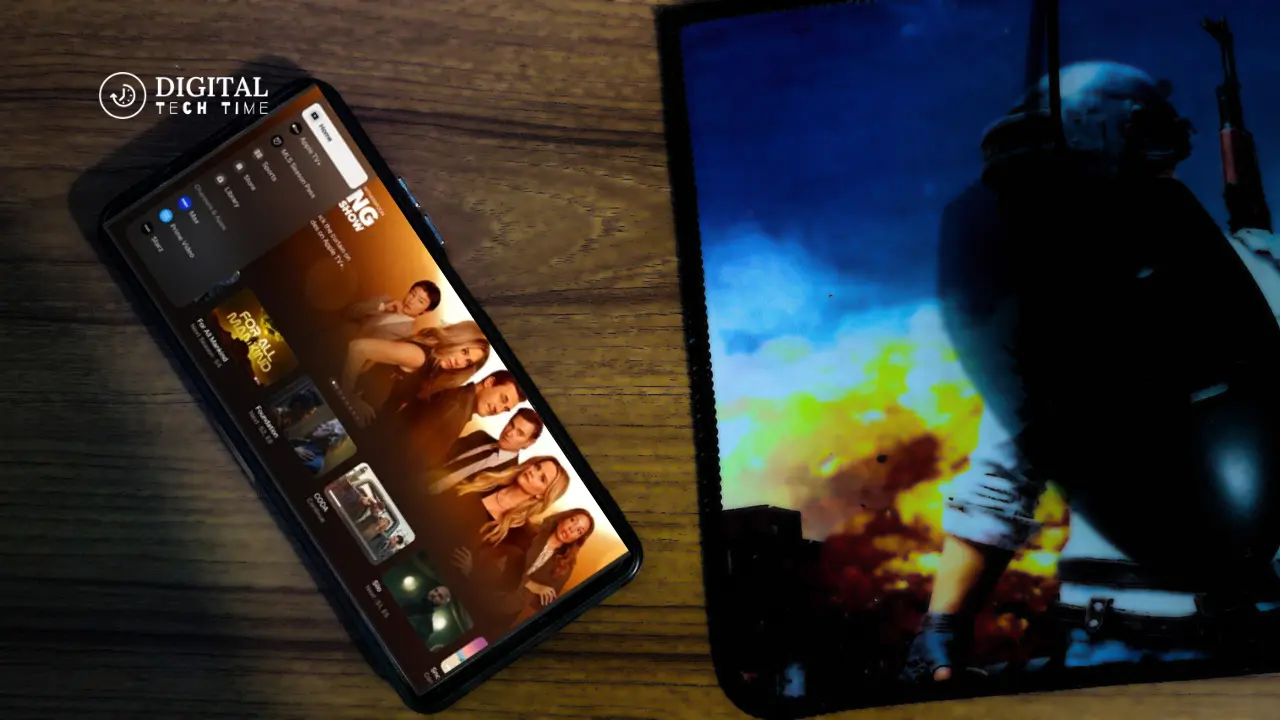
Despite the challenges, there are a few official ways to enjoy Apple TV content on your Android device. One primary option is to use the Apple TV app, which is available on select Android TV-powered devices, such as certain smart TVs and set-top boxes. This app provides access to the Apple TV+ streaming service, allowing you to watch your favorite shows and movies directly on your Android device.
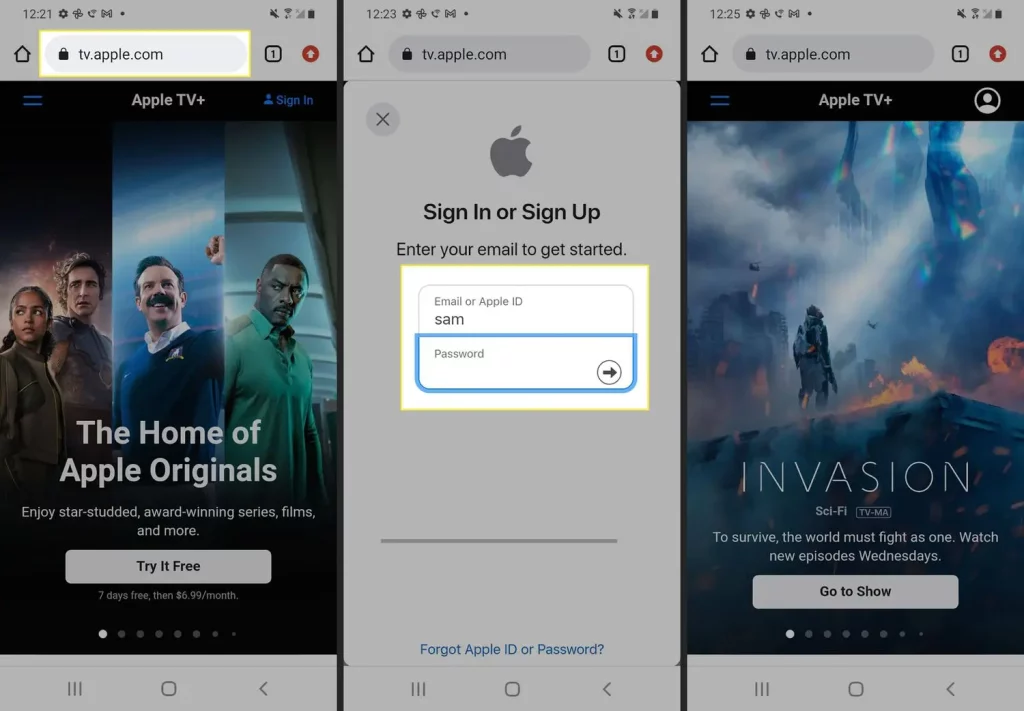
Another official method is to use the Apple TV app on your mobile device. This app is available for download on iOS and Android platforms, enabling you to access your Apple TV content on the go. However, it’s important to note that the Android version of the app may offer a different level of functionality or integration than the iOS counterpart.
Third-party apps and workarounds for watching Apple TV on Android
If the official options need to meet your needs, there are also some third-party apps and workarounds that you can explore. One popular solution is to use a screen mirroring or casting app, such as AirDroid or Reflector, to stream content from your Apple device to your Android device. While this approach is more seamless than the official Apple TV app, it can provide a way to access your Apple TV content on your Android device.
Another workaround is to use a virtual private network (VPN) to bypass regional restrictions and access the Apple TV app on your Android device. This method can be particularly useful if you’re traveling or living in a location where the Apple TV app is not officially available.
Limitations and drawbacks of watching Apple TV on Android
While the methods mentioned above can allow you to access Apple TV content on your Android device, it’s important to be aware of the limitations and drawbacks of this approach. For instance, the user experience may not be as seamless or optimized as on Apple’s devices, and you may encounter compatibility issues or reduced functionality.
Additionally, factors such as network connectivity, device specifications, and the limitations of the third-party apps or workarounds you’re using may affect the performance and quality of the streaming experience. It’s essential to carefully evaluate these factors and weigh the pros and cons before deciding on the best approach for your needs.
Alternatives to Apple TV for Android users
Suppose the limitations of watching Apple TV on Android prove too much of a hurdle. In that case, there are several alternative streaming platforms and devices that you can consider as an Android user. Some popular options include:
- Android TV devices: These are dedicated streaming devices that run the Android TV operating system, providing Android users with a seamless and optimized experience.
- Amazon Fire TV: Amazon’s line of streaming devices is compatible with a wide range of Android apps and offers a user-friendly interface.
- Roku devices: Roku offers a range of streaming devices that work across multiple platforms, including Android, providing a versatile and user-friendly experience.
- Google Chromecast: Google’s casting device allows you to stream content from your Android device directly to your TV, offering a simple and convenient solution.
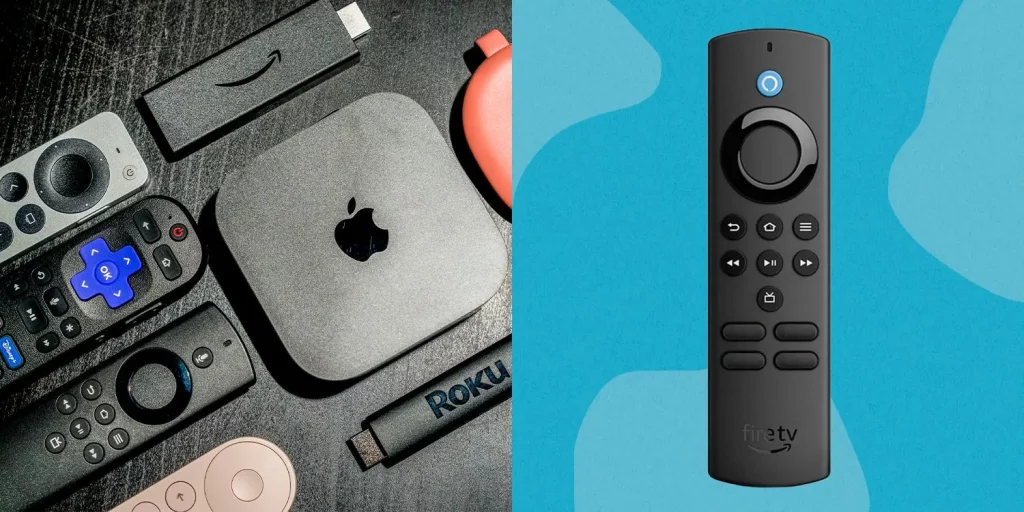
Each of these alternatives has strengths and weaknesses, so it’s important to research and compare them to find the best fit for your needs and preferences.
Also Read: How to Fix Chromebook Camera Not Working Issue
Frequently Asked Questions
Q: Can I watch Apple TV on my Android smartphone or tablet?
A: You can watch Apple TV content on your Android device, but the experience may not be as seamless or feature-rich as on Apple’s devices. The official Apple TV app is available on select Android devices, and you can also use third-party apps or workarounds to access Apple TV content.
Q: Do I need a specific Android device to watch Apple TV?
A: While the official Apple TV app is available on select Android TV-powered devices, you can also use third-party apps and workarounds on a wide range of Android smartphones and tablets. However, the compatibility and performance may vary depending on your device’s specifications and the method you choose.
Q: Is the Apple TV app on Android as good as iOS?
A: No, the Apple TV app on Android is generally not as feature-rich or optimized as the iOS version. The Android app may have reduced functionality, fewer integration options, and a less seamless user experience than the iOS counterpart.
Q: Are there any costs associated with watching Apple TV on Android?
A: The cost will depend on the method you choose. If you use the official Apple TV app, you must subscribe to the Apple TV+ streaming service. If you use third-party apps or workarounds, additional costs or subscriptions may be required. Researching and understanding the pricing structure before committing to any solution is important.
Conclusion
In conclusion, while watching Apple TV content on an Android device is possible, the experience may not be as seamless or feature-rich as it is on Apple’s own devices. The official options, such as the Apple TV app, can provide a way to access your favorite shows and movies. Still, the Android version may have reduced functionality compared to the iOS counterpart.
Suppose the official options need to meet your needs. In that case, you can explore third-party apps and workarounds, but be aware of the limitations and potential drawbacks. Alternatively, consider exploring the wide range of available Android-compatible streaming devices and platforms that offer a more optimized and user-friendly experience.