Discover the 15 Best Retro Games for Android
Best retro games, also known as classic or vintage games, are video games that were popular in the past, typically from the 1970s to the 1990s. Simple graphics, limited processing power, and straightforward gameplay often characterized these games. They evoke a sense of nostalgia and fond memories for many gamers who grew up playing them.
Table of Contents
Why Play Retro Games on Android?
In the ever-evolving mobile gaming world, retro games’ appeal remains strong. With its vast and diverse ecosystem, Android has become a prime platform for reliving the golden age of gaming. By embracing retro games on your Android device, you can:
- Enjoy a blast from the past: Reconnect with the games that defined your childhood and adolescence, rekindling the joy and excitement you once experienced.
- Explore gaming history: Delve into the roots of video game development and appreciate the evolution of gaming technology.
- Escape the present: Retro games often provide a refreshing break from the complexity and overwhelming nature of modern gaming experiences.
- Discover hidden gems: Countless retro games may have been overlooked in their time but now deserve a second chance to shine.
Advantages of Playing Retro Games on Android
- Portability: Android’s mobility allows you to enjoy retro games anytime, anywhere, without being tethered to a stationary console or computer.
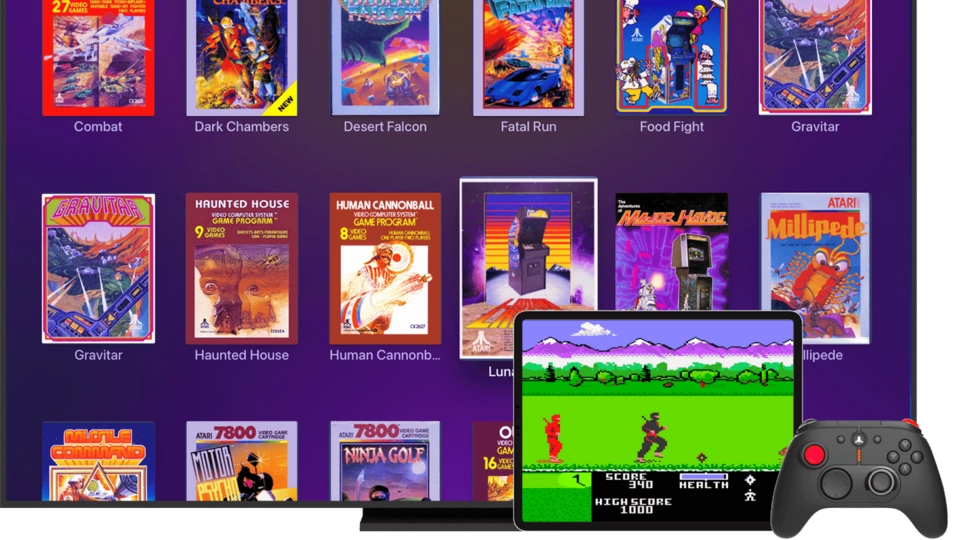
- Accessibility: A wide range of retro games are readily available on the Google Play Store, making them easily accessible to Android users.
- Emulation: Android’s powerful hardware and software capabilities enable seamless emulation of classic gaming consoles, allowing you to experience retro games with high fidelity.
- Customization: Android’s open-source nature provides opportunities for customization, allowing you to tailor your retro gaming experience to your preferences.
- Affordability: Many retro games on Android are either free or available at a fraction of the cost of their modern counterparts.
Top 15 Retro Games for Android
- Super Mario Bros.: The iconic platformer that defined a generation is now available on Android.
- Pac-Man: The classic maze-chasing game that has stood the test of time.
- Tetris: The addictive puzzle game that challenges your spatial awareness.
- Contra: The run-and-gun action game that requires lightning-fast reflexes.
- Donkey Kong: The original platformer that introduced the world to Mario (then known as Jumpman).
- Street Fighter II: The legendary fighting game that sparked a genre.
- The Legend of Zelda: The groundbreaking action-adventure game paved the way for the RPG genre.
- Galaga: The classic space shooter that tests your aim and evasion skills.
- Castlevania: The gothic action-platformer that has captivated gamers for decades.
- Mega Man 2: The quintessential run-and-gun platformer that showcases the series’ iconic gameplay.
- Space Invaders: The pioneering shoot-’em-up game that inspired countless imitators.
- Sonic the Hedgehog: The lightning-fast platformer introduced the world to the Blue Blur.
- Punch-Out!!: The boxing game that combines strategy and quick reflexes.
- Earthworm Jim: The quirky and humorous action-platformer that stands out.
- Kirby’s Adventure: The charming and whimsical platformer that has delighted players for generations.
Retro Games vs. Modern Games: A Comparison

While modern games offer stunning visuals, immersive narratives, and complex gameplay mechanics, retro games often possess a certain charm and simplicity that can be equally captivating. Here’s a quick comparison:
| Retro Games | Modern Games |
|---|---|
| Simple graphics and limited color palettes | Highly detailed and realistic visuals |
| Straightforward gameplay with minimal tutorials | Extensive tutorials and complex control schemes |
| Focused on core gameplay mechanics | Emphasis on cinematic experiences and open-world exploration |
| Shorter playtimes and replayability | Longer playtimes and more content-rich experiences |
| Nostalgia and a sense of timelessness | Cutting-edge technology and innovation |
Ultimately, both retro and modern games have their own merits, catering to different preferences and gaming experiences.
How to Download and Install Retro Games on Android
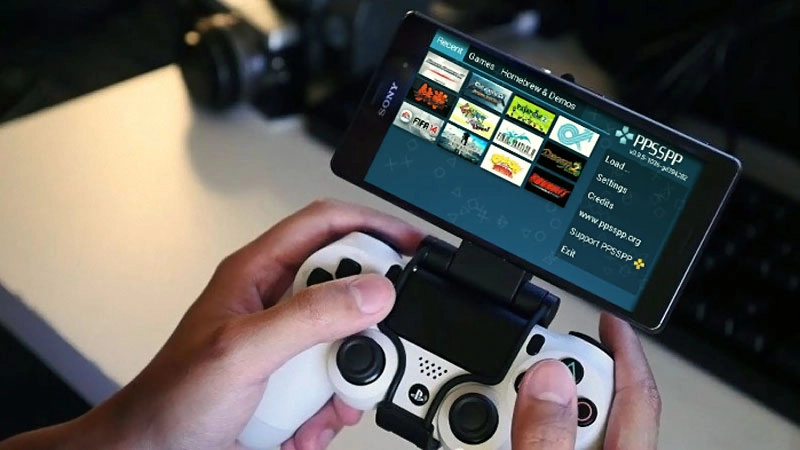
Downloading and installing retro games on your Android device is a straightforward process:
- Identify the Emulator: Determine the specific emulator you need based on your desired retro game. Popular emulators for Android include MyBoy! (for Game Boy), PPSSPP (for PSP), and DraStic (for Nintendo DS).
- Download the Emulator: Search for the emulator on the Google Play Store and install it on your Android device.
- Obtain the Game ROM: You can find game ROMs (the digital files containing the game data) online, but be mindful of legal considerations. Some websites offer free, public-domain ROMs, while others may require purchasing the game.
- Load the ROM: Once you have the emulator and the game ROM, load the ROM file into the emulator, and you’re ready to start playing.
- Customize the Controls: Most emulators allow you to customize the on-screen controls, ensuring a comfortable and intuitive gaming experience.
Tips for a Better Retro Gaming Experience on Android
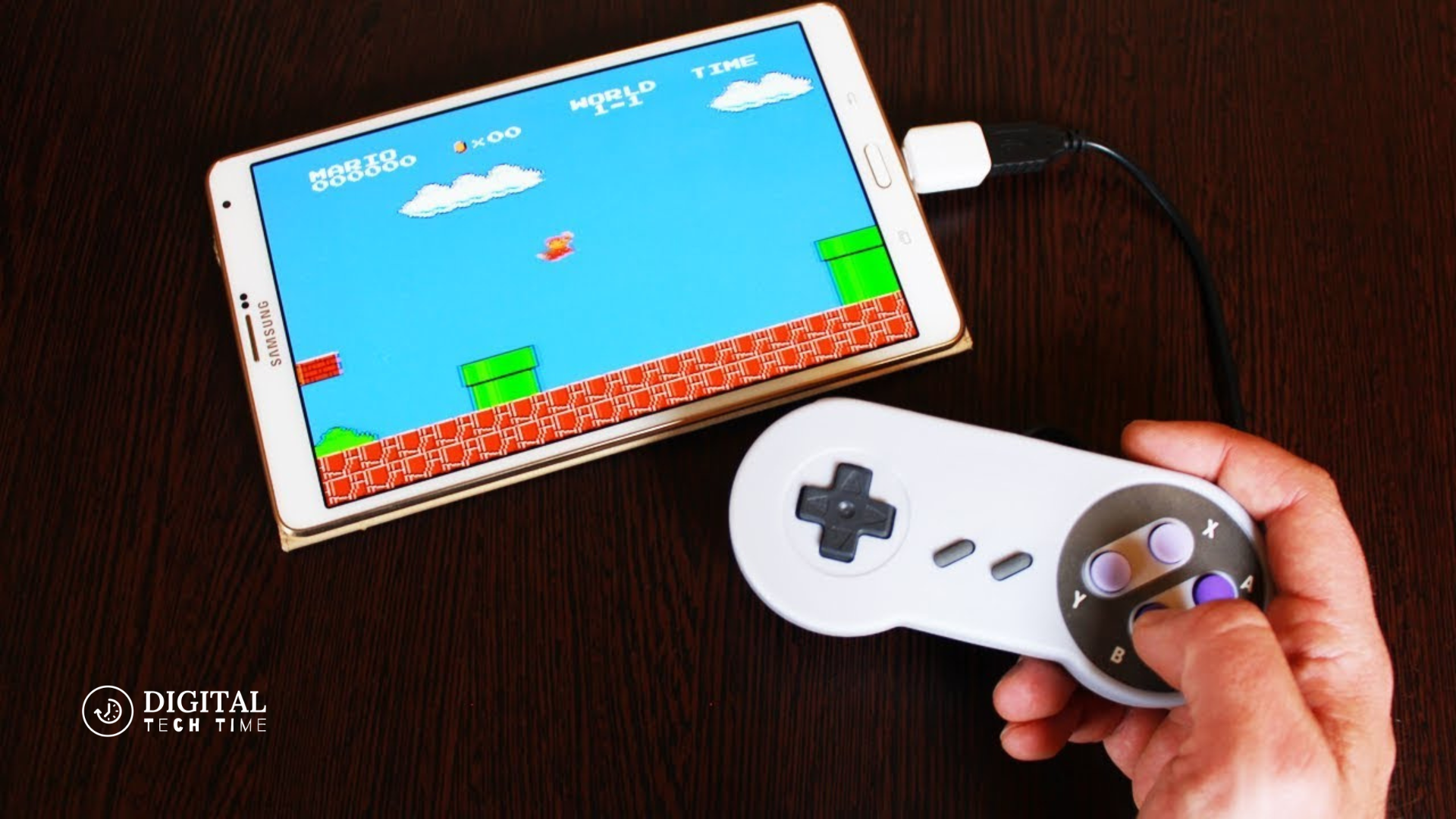
- Use a Gamepad: Consider investing in a compatible gamepad or controller to enhance your retro gaming experience, as it can provide a more authentic and comfortable control scheme.
- Optimize Performance: Ensure your Android device has sufficient processing power and RAM to run the emulator and retro games smoothly. Older or lower-end devices may need help with more demanding emulators.
- Explore Mods and Customizations: Android’s customization capabilities allow you to tweak your retro games’ visual and audio settings, further enhancing the nostalgic experience.
- Join Retro Gaming Communities: Connect with fellow retro gaming enthusiasts online to share tips, discover new games, and stay up-to-date with the latest developments in the retro gaming scene.
- Embrace the Imperfections: Embrace the charming imperfections and limitations of retro games, as they often contribute to the unique character and appeal of these classic titles.
Emulators for Playing Retro Games on Android

Here are some of the best emulators for playing retro games on your Android device:
- MyBoy! (Game Boy/Game Boy Color): Widely regarded as one of the best Game Boy emulators for Android, offering features like save states, cheat codes, and hardware-accelerated graphics.
- PPSSPP (PlayStation Portable): A powerful emulator that allows you to experience PSP games on your Android device with impressive accuracy and performance.
- DraStic (Nintendo DS): Considered one of the most accurate and feature-rich Nintendo DS emulators available for Android, with multiplayer and touchscreen functionality support.
- RetroArch (Multi-System): A comprehensive emulation platform that supports a wide range of classic gaming systems, providing a unified interface for managing and playing retro games.
- ePSXe (PlayStation): A highly acclaimed PlayStation emulator for Android, offering features like high-resolution rendering, save states, and support for various controllers.
Retro Gaming Communities and Forums
Connecting with like-minded retro gaming enthusiasts can enhance your overall experience. Here are some popular communities and forums to explore:
- r/RetroGaming (Reddit): A vibrant subreddit dedicated to discussing and sharing all things related to retro gaming.
- Retro Gaming Forums: Online forums such as AtariAge, Retro Collect, and Classic Gaming offer a wealth of information, discussions, and resources for retro gaming enthusiasts.
- Retro Dodo: A website and YouTube channel that provides news, reviews, and guides for retro gaming on various platforms, including Android.
- Racketboy: A comprehensive website covering retro gaming news, reviews, and in-depth articles on classic consoles and games.
- Retro Gamer Magazine: A renowned print and digital publication that delves deep into the history and culture of retro gaming.
Read Also: 20 Best Free Android Games
Frequently Asked Questions
- Can I play retro games on my Android device without an emulator?
- No, playing retro games on Android typically requires an emulator, as it allows your Android device to run the original game files or ROMs.
- Are retro game ROMs legal to download and use?
- The legality of downloading and using retro game ROMs can be a gray area. It’s generally recommended to only use ROMs for games you own or have purchased legally.
- Do I need a powerful Android device to run retro games?
- While more powerful devices can provide a smoother and more stable retro gaming experience, many games can be played on a wide range of Android devices, even older or lower-end models.
- Can I play retro games online with friends?
- Some retro games may offer online multiplayer features, but the availability and implementation can vary depending on the emulator and the specific game.
- How do I create save states for my retro games?
- Most emulators for Android provide the ability to create and load save states, allowing you to save your progress and resume your game later.
Conclusion
In the ever-evolving world of mobile gaming, the allure of retro games remains strong. By embracing the 15 best retro games for Android, you can relive the nostalgia of your childhood, explore gaming history, and enjoy a refreshing break from the complexities of modern gaming. With Android’s convenience and customization options, you can curate a retro gaming experience tailored to your preferences. So, let’s dive into classic gaming and rediscover the timeless charm of these beloved titles.
If you’re ready to embark on a nostalgic gaming journey, check out our comprehensive guide to the 15 best retro games for Android. Discover how you can relive the glory days of gaming and find the perfect classic title to rekindle your love for timeless gaming experiences.