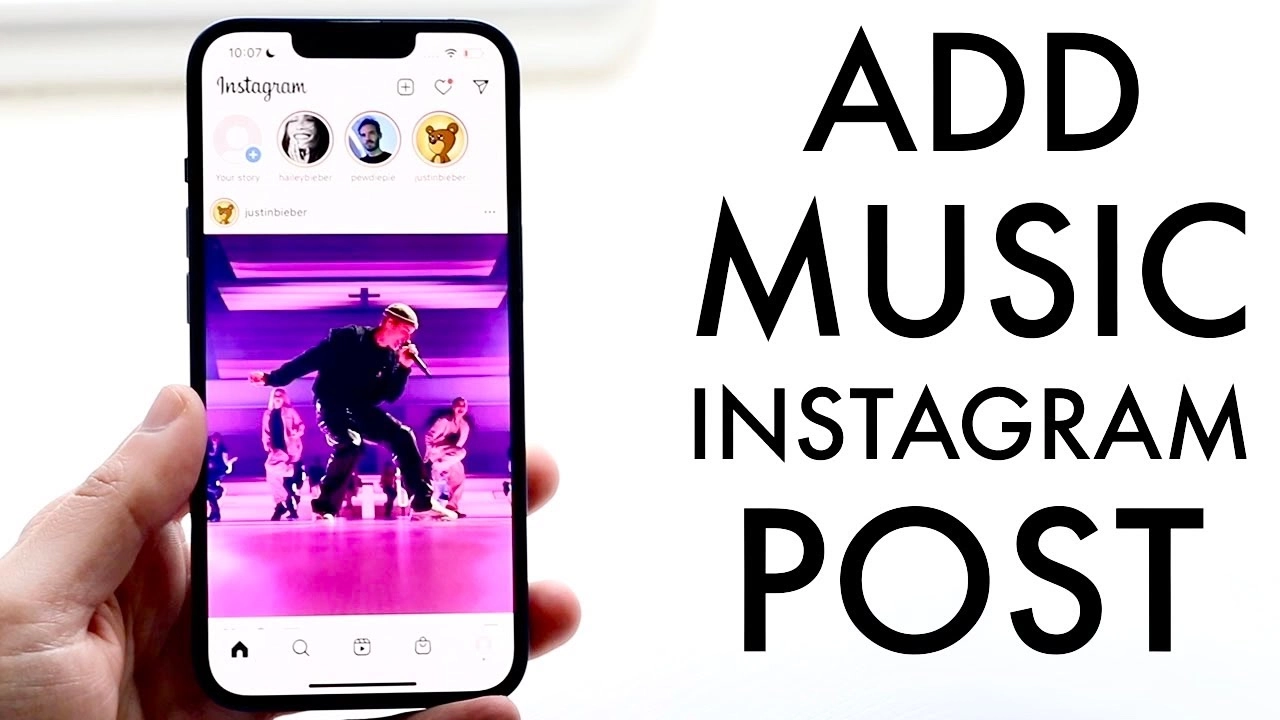
How to Add Music to Instagram Posts: A Simple Guide
As a human writer with years of experience, I know how important it is to make your Instagram posts even more special and interactive for users by adding music. In this tutorial, I’m going to take you through a step-by-step process of how to add music to Instagram posts, along with some alternative ways, tips, and best practices to make your post noticeable and attention-grabbing in the crowd.
Table of Contents
Step-by-Step Guide on How to Add Music to an Instagram Post
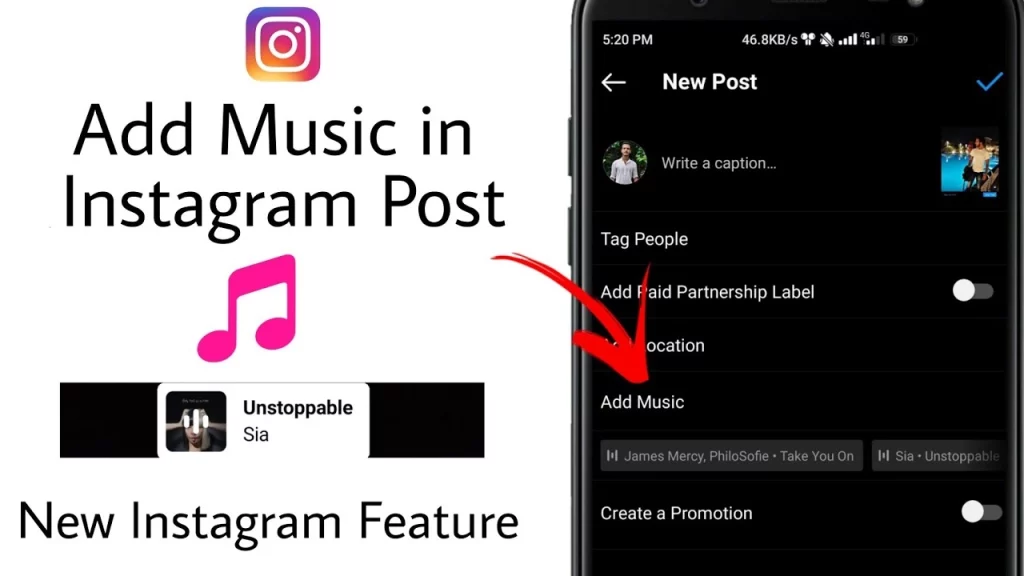
Adding music to your posts on Instagram is rather easy and only requires a few steps. Here’s how to do it:
- Open the Instagram App: The first thing you have to do is open the Instagram app on your mobile phone.
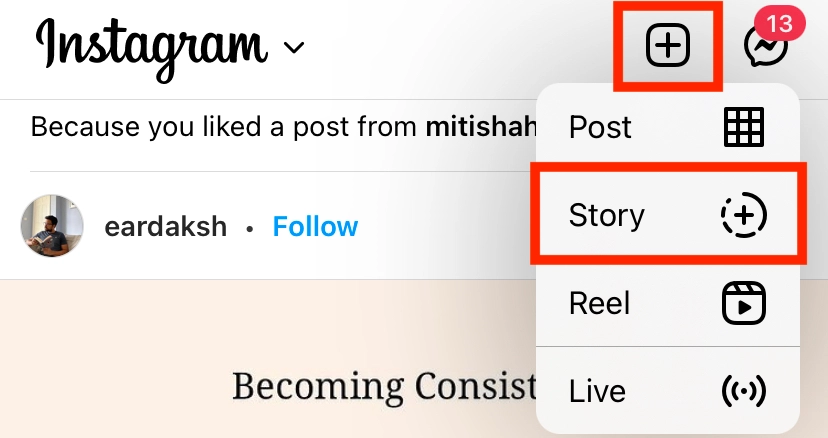
- Create a New Post: Tap the “+” icon to create a new post, then tap “Photo” or “Video”, depending on the kind of post you want to make.
- Add Your Media: Upload your photo or video that you want to share and proceed to the next step.
- Access the Music Feature: Find the “Music” icon or option, which is generally at the bottom of your screen or in the editing tool. Tap it to access the music library.
- Add Song by Searching: You could use the search option to find the perfect song that complements your post. Scroll down as Instagram hosts a vast music library, ranging from genres to artists, or you could search for particular songs or artists.
- Adjust the Song Clip: Once a song is chosen, you are able to adjust the clip that will be used in your post. You can select the start and end times of the clip, plus volume and playback speed.
- Preview and Share: Having made all the changes, now preview your post to see that the music and visuals go well together. If satisfied, you can now share your post with your followers.
Note that for slight version changes in the Instagram app, this process might be slightly different, but at its core, it remains like this.
Tools and Apps for Enhancing Your Instagram Posts with Music
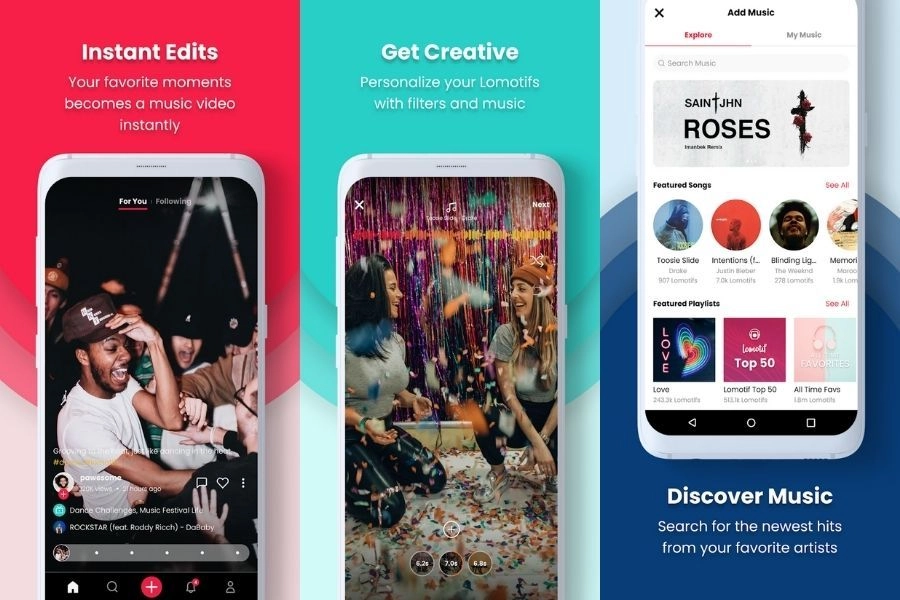
Further, enhance your Instagram posts with music by adding the following tools and apps to your arsenal:
- Canva: A design platform featuring a great music library in which you can add audio to posts or stories with ease.
- InShot: A fully featured video editor that allows for adding music, volume adjustment, and timing with your visual content.
- Videoshop: It is a very user-friendly video editing application that makes adding music and other audio elements to your posts way more accessible.
- Spotify: This is not an integration into Instagram; per se, you can include Spotify playlist links or individual song links in your posted content to show off your music tastes to the world.
- SoundCloud: Just like Spotify, you can share SoundCloud tracks and playlists so you can place some music in your Instagram posts.
- Audio: A music licensing platform that has a massive library of royalty-free music tracks that you can use in your Instagram posts, safe from copyright concerns.
You can check these tools and apps for making the integration process with music smoother, hence taking your Instagram content to the next level.
Troubleshooting Common Issues When Adding Music to Instagram Posts
While adding music to your Instagram posts is generally quite easy, there are common problems you may face. Here are a few troubleshooting tips to help you get on the better side of things:
Music Not Available: Sometimes, you can’t find that particular song in the Instagram music library. Try finding other ways you can do this, like using third-party apps for music or video editing.
Audio Quality: First, ensure that the audio of the music you are going to use is very clear and of good quality. Bad audio cuts the quality level down a notch and does not engage your audience.
Timing and Synchronization: Make sure the music is properly fitted to your visual content. A slight difference in timing will make it all disjointed and jarring to your viewers.
Copyright Infringement:
- Sometimes, be extra careful with the music you use.
- Make sure you have the rights and permission to use them in your posts on Instagram.
- Never use copyrighted material without permission because this is one surefire way to get oneself into legal trouble.
Playback Issues: If you’re facing some playback issues, such as music not playing or stopping between the videos, restart the app or clear the cache. Update your Instagram to the latest available version.
By addressing these common issues, you will ensure that your integration of music into your Instagram posts is smooth and successful.
Frequently Asked Questions
Q: Can I use any music that I want on my Instagram posts?
A: No, you need to ensure that you possess the rights and permissions for the track to feature on your Instagram post. Keep using the Instagram music library, or license them yourself so that you do not have to go through the hassle of copyright issues.
Q: How long can the music clip be for my post on Instagram?
A: You can use up to 15 seconds of the song on Instagram in your posts. You can change the start and end times of your clips so they seamlessly fit together.
Q: Can music be added to an already posted post?
A: Yes, it is possible. Tap on Edit and go to the music option, where you can update your post with a fresh audio track.
Q: Do I need any specific type of account to use the music feature on Instagram?
A: The music feature is available for all types of accounts on Instagram, be it personal, business, or creator accounts.
Q: Can I use the same song within different Instagram posts?
A: Yeah, sure; if you got the rights for it or purchased the license, you can use the same song.
Conclusion
Get ready to take your Instagram to the next level with music! First, start finding what musical features and tools you have at your disposal, then create some captivating posts that really engage your audience. Don’t be scared to experiment with different things until you get just the right mix of visuals and audio that make your content really pop!
Read Also: How to Post a WhatsApp Audio Status