How to Half Swipe on Snapchat: Read Messages Secretly
Obviously, Snapchat is all about real-time interactions, but sometimes, you’d want to read a message without alarming the sender. That is where this “half swipe” strategy—a sneaky little trick that will let you preview messages without that “read” notification—comes in. It will show you exactly how to half swipe on Snapchat using both Android and iOS devices, along with some tips to be sure not to open the message by accident. This will be most useful for a user of this level who wants to be in control of their chat without feeling compelled to reply immediately.
Table of Contents
How to Half Swipe on Snapchat
The half-swipe method on Snapchat is a strategy through which you can partially open a message and show its content without it being actually marked as read. Here’s how to do it, step by step.
Step 1: Open the Snapchat App

First, open the Snapchat app on your device. Just ensure not to press any notification directly because that will lead you straight to the message, and it will notify him, which will definitely be a problem.
Note: Half-swiping works for text messages only and doesn’t work on image or video Snaps.
Step 2: Go to the Chat Tab
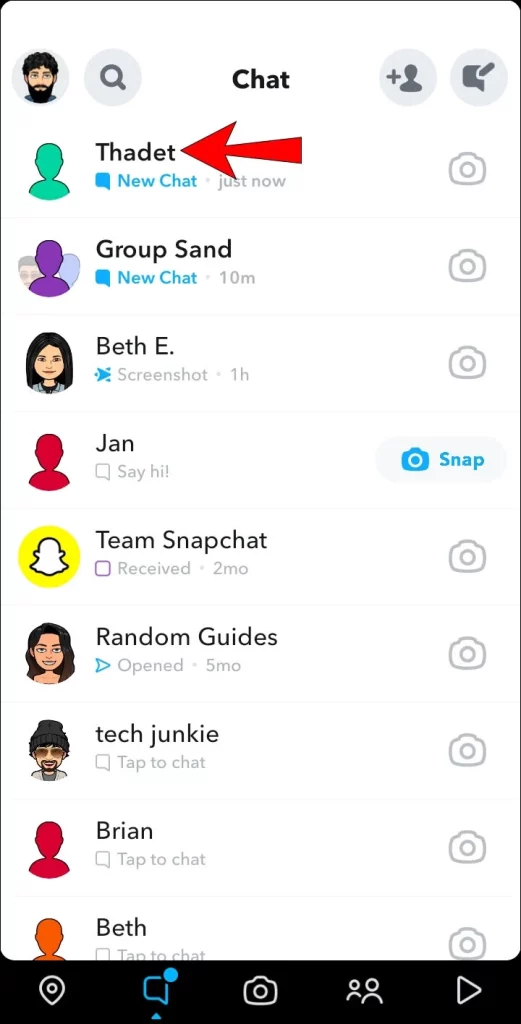
Go to the Chat tab, where all messages are stored, in the bar at the bottom of the screen located between the Map and Camera tabs.
Pro Tip: You can tell if a chat box contains a new message by watching for a dot in the upper right corner.
Step 3: Initiate the Half Swipe
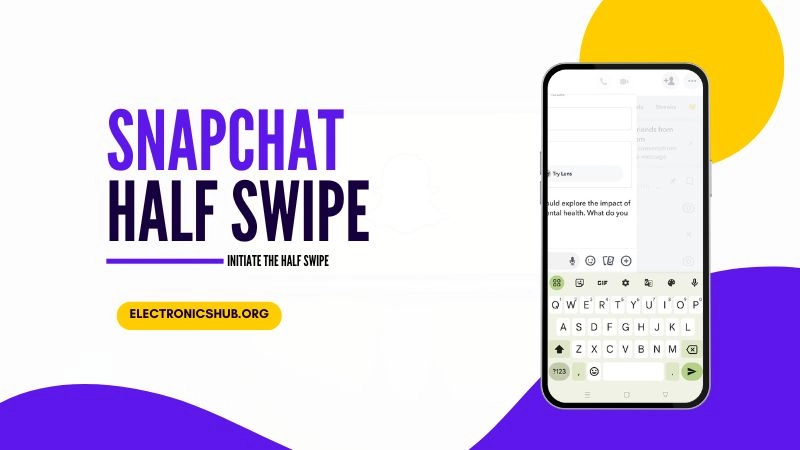
To begin the half swipe:
- Gently place your finger on the sender’s Bitmoji or profile icon.
- Important: Do not click or release your finger, as this will open the chat and notify the sender.
- Slowly swipe to the right, revealing the message in the chat log.
Make sure, however, that your finger remains touching the screen throughout this entire process. When done correctly, the message can be previewed without actually being opened.
- Tip: Leave a small gap between the chat log and the right edge of your screen to avoid accidentally opening the chat.
Step 4: Read the Message
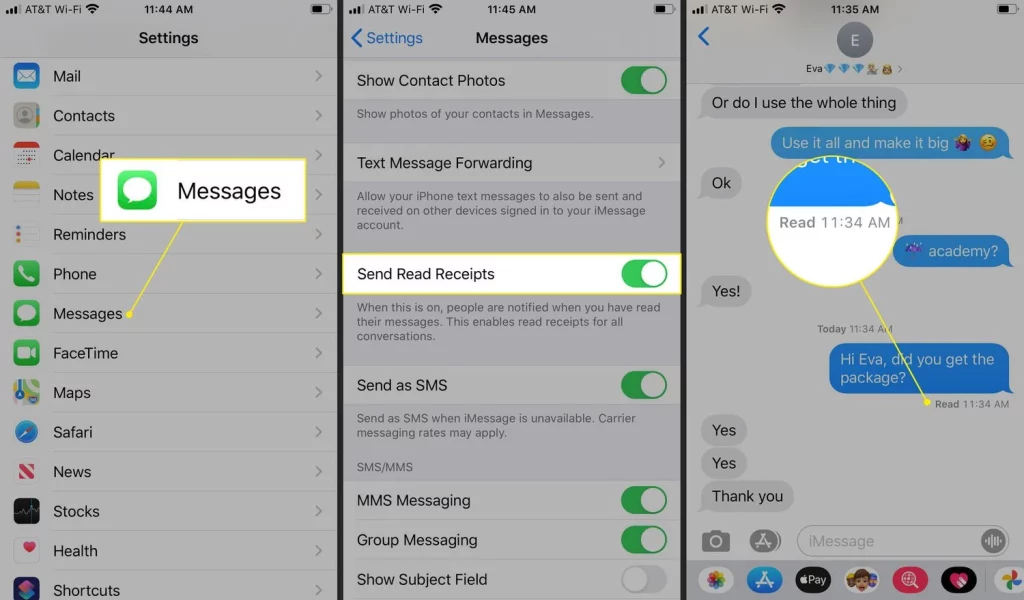
You can now read the message while keeping your finger on the screen. Take as much time as you need.
- Warning: If you take a screenshot while half-swiping, the sender will be notified.
Step 5: Close the Preview
Swipe back to the left after you’re done reading the message, and the chat log will be closed. Be sure to let the chat log close slightly; otherwise, your finger will let go and tell the sender that you’ve read the message.

Indication of Success You should be able to tell that this worked by seeing the “New Chat” notification remaining by the person’s name.
Important Considerations for Half Swiping on Snapchat
While the half swipe method is a great way to read messages without alerting the sender, there are a few things to keep in mind.
Snapchat+ Users Can See Half Swipes
Using the “peek a peek” feature, Snapchat+ users are able to see when someone half-swiped on their chat. In this case, you will both get an “eyes” emoji; if it was turned on for the sender, he will realize you watched it via a half swipe.
Solution: Try to half-swipe when the sender is offline or inactive in order to reduce the chances of being detected.
Half Swipe Only Works for Text Messages
Half-swiping will work only for text messages. If you half swipe on an image or video Snap, it will not let you preview the message, and you could often end up opening it, thus mistaken.
Pro Tip: Only half-swipe if you know that it’s a text message.
Frequently Asked Questions
Does Half Swiping Still Work on Snapchat?
Yes, at least in 2024, half-swiping does work for text messages on Snapchat. However, since it’s not an official feature, Snapchat could kill it in future updates.
Can Snapchat+ Users Detect a Half Swipe?
Yes, they can if they have the “Peek a Peek” feature on their phone. They will then have an “eyes” emoji displayed next to the chat when you half-swipe.
Can I Use the Half Swipe Method for Snaps?
No, the half-swipe method works only for text messages. You can only use it to preview the image or video Snaps if you open them.
Will the Sender Know If I Screenshot Their Message While Half Swiping?
Yes, if you take a screenshot while half-swiping a message on Snapchat, it will notify him that you captured the screen.
Related Post: Save Snapchat Stickers to WhatsApp Like a Pro
Conclusion
Master how to half-swipe on Snapchat, and you’ll turn into a total game-changer in your chat management. This article will demonstrate how to view messages without the sender’s knowledge, thus giving you more control over your interactions on the platform. Knowing the cons, like Snapchat+ users seeing your half-swipes, it’s still a good tool at times for people who want to be in the know without feeling the need to reply ASAP. Be it a casual user or a die-hard Snapchatter, knowing how to half swipe on Snapchat can make the difference between a great and a horrible experience, also keeping your messaging habits under wraps.
Now that you know how to half-swipe on Snapchat, it is time actually to do so. Be careful, though—especially with the plus users—and see the perks of this neat trick for yourself.
This will help you do the half-swipe on Snapchat step by step.