How to Unlock a Locked Snapchat Account
Snapchat Account Lock Introduction Snapchat is one of the most engaged multimedia messengers used in everyday life to share moments, memories, and stories with friends and family. At the same time, Snapchat also has a number of security measures that help the application work safely for all of its users. And one of the most frustrating and confusing parts is the account locking.
Here, we will find out if your Snapchat account may be locked and, if so, How to Unlock a Locked Snapchat Account. We will then proceed with a number of common issues, providing comprehensive troubleshooting of each one, followed by some preventive measures to avoid getting an account locked in the future.
Table of Contents
Step-by-Step Guide to Unlocking your Snapchat Account
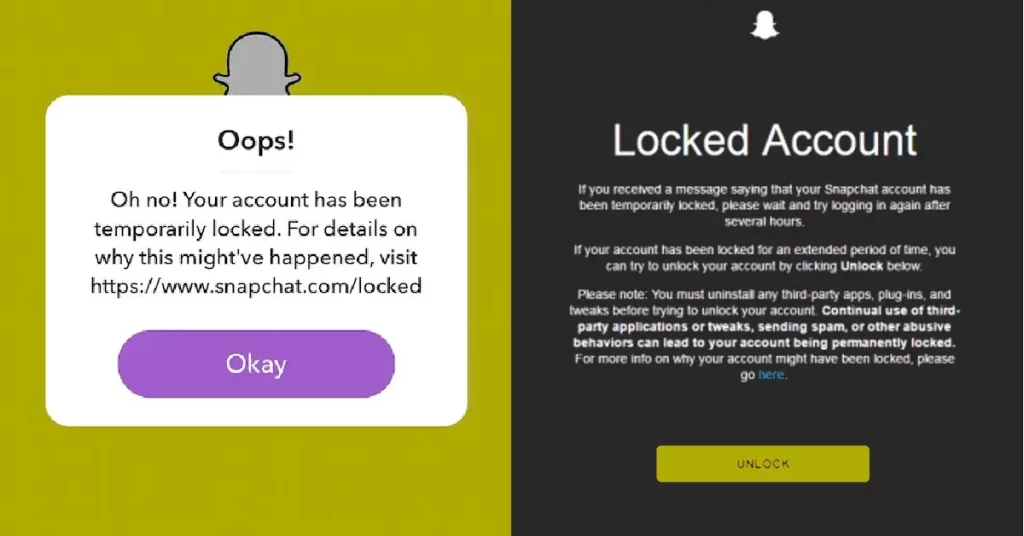
To help you navigate the process more efficiently, here’s a step-by-step guide on how to unlock your Snapchat account:
- Open the Snapchat app and attempt to log in. If your account is locked, you should receive a notification or error message indicating the reason for the lock.
- Tap on the “Unlock” button or link provided in the notification. This will take you to Snapchat’s support page or form, where you can submit an unlock request.
- Provide the required information, such as your username, email address associated with your account, and any other details requested by Snapchat.
- Explain the situation and provide any relevant context or evidence that may support your case. Be honest and cooperative throughout the process.
- Submit the unlock request and wait for Snapchat’s support team to review your case.
- Check your email regularly for any updates or requests for additional information from Snapchat’s support team.
- Follow the instructions provided by Snapchat’s support team to complete the unlocking process. This may involve verifying your identity, providing additional information, or taking specific actions.
- Once your account is unlocked, you should receive a notification or email from Snapchat confirming the successful unlocking.
- Log in to your account using your credentials and ensure that everything is working correctly.
Remember, the unlocking process may take some time, so it’s essential to be patient and cooperative throughout the process.
How to Unlock your Snapchat Account
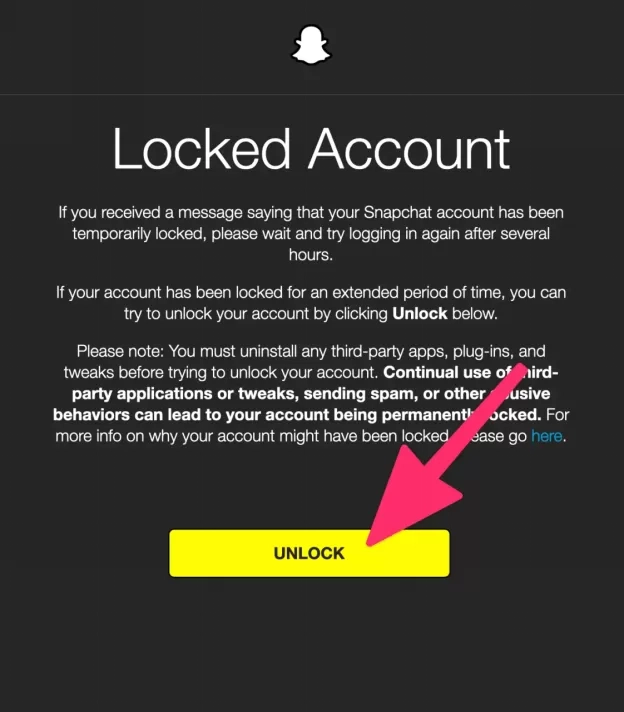
If your Snapchat account is locked, don’t panic. There are several steps you can take to regain access. The process may vary depending on the reason for the lock, but the following general steps should help you get started:
- Remain Patient: Account unlocking can take some time, especially if your account has been locked due to a violation of Snapchat’s community guidelines. It’s essential to remain patient and follow the proper channels to resolve the issue.
- Check for Notifications: Snapchat may have sent you a notification or email explaining the reason for the account lock and providing instructions on how to proceed. Follow these instructions carefully.
- Reset Your Password: If you suspect that your account has been compromised or if you’ve been locked out due to suspicious activity, resetting your password is a good first step. This can be done through Snapchat’s official website or app.
- Submit an Unlock Request: If resetting your password doesn’t work, you may need to submit an unlock request to Snapchat’s support team. This can typically be done through the app or Snapchat’s website.
- Provide Necessary Information: When submitting an unlock request, Snapchat may ask for additional information to verify your identity and investigate the issue. Be prepared to provide details such as your username, email address, and any relevant details about the account lock.
- Be Patient and Cooperative: Snapchat’s support team may take some time to review and process your unlock request. Be patient and cooperative throughout the process, and provide any additional information or clarification they may require.
Common Issues and Troubleshooting Tips
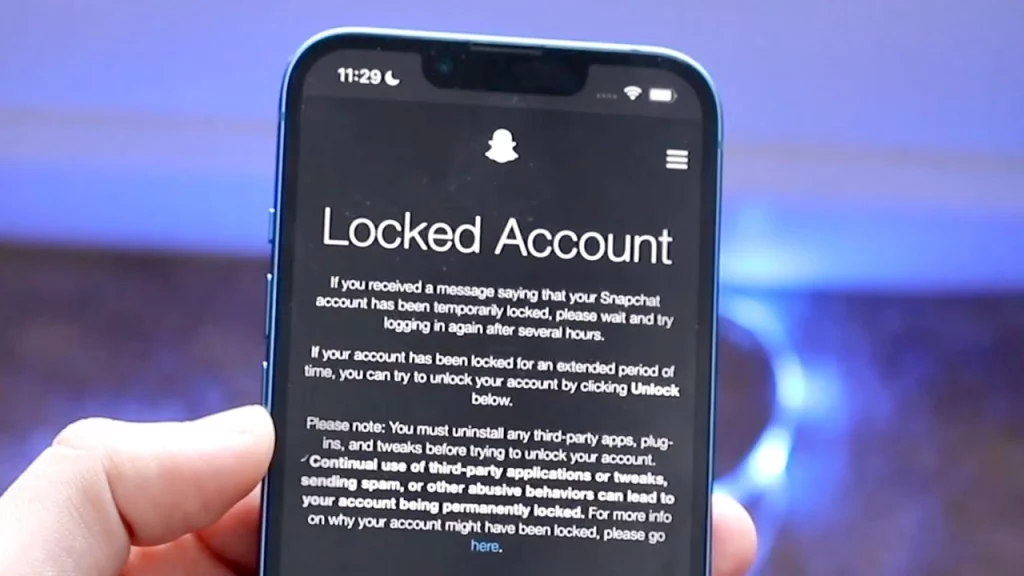
While the process of unlocking your Snapchat account may seem straightforward, there are some common issues and challenges that users may encounter. Here are some troubleshooting tips to help you navigate these challenges:
- Unresponsive Support Team: If you’re not receiving a response from Snapchat’s support team within a reasonable timeframe, try reaching out through alternative channels, such as Twitter or Facebook. Sometimes, social media can be a more effective way to get their attention.
- Incorrect Information: Double-check that you’ve provided accurate and up-to-date information when submitting your unlock request. Incorrect or outdated information can delay the process or even lead to a denial of your request.
- Device or Account Issues: If you’re experiencing issues with your device or account after the unlocking process, try updating your Snapchat app to the latest version, clearing the app’s cache and data, or even reinstalling the app.
- Recurring Locks: If your account keeps getting locked repeatedly, there may be an underlying issue that needs to be addressed. In such cases, it’s best to reach out to Snapchat’s support team and provide as much detail as possible about the recurring locks.
- Alternative Contact Methods: If you’re unable to access the email or phone number associated with your Snapchat account, try contacting Snapchat’s support team through alternative methods, such as social media or their website’s contact form.
Remember, patience and persistence are key when dealing with account-unlocking issues. If you encounter any roadblocks or challenges, don’t hesitate to seek additional support or try alternative methods to resolve the issue.
Related Post: How to Unblock Someone on Snapchat in 6 Simple Steps
Frequently Asked Questions
Q: Can I still access my Snapchat memories and saved data if my account is locked?
A: Unfortunately, no. When your Snapchat account is locked, you’ll lose access to all your data, including Memories, Snaps, and Chats. This is why it’s crucial to take steps to unlock your account as soon as possible.
Q: Will I lose my Snapchat streaks if my account is locked?
A: Yes, if your account remains locked for an extended period, you will likely lose any active Snapchat streaks you had with your friends.
Q: Can I create a new Snapchat account while my old account is locked?
A: While it’s possible to create a new Snapchat account, it’s generally not recommended, as Snapchat may detect and flag this as suspicious activity, potentially leading to further account locks or even a permanent ban.
Q: Can I appeal Snapchat’s decision to lock my account?
A: Yes, you can appeal Snapchat’s decision to lock your account by providing additional information or evidence to support your case. However, the success of your appeal will depend on the specific circumstances and the severity of the violation (if applicable).
Q: Will Snapchat notify me when my account is unlocked?
A: Yes, Snapchat will typically send you a notification or email once your account has been successfully unlocked, allowing you to regain access and resume using the app.
Conclusion
Snapchat account locks can be frustrating and confusing to navigate; however, you will have a greater shot at retrieving your account with the proper knowledge and approach. With this tutorial, you will be perfectly capable of unlocking your Snapchat account and avoiding future account locks.
Patience and cooperation during the process are key. Snapchat is very serious about account security, and its support team will do their best to investigate your case right away.
Whether your Snapchat account is currently locked and you need assistance, or maybe you want to find out more about best practices for account security, do not hesitate to reach out to our team of experts. We will easily give you personalized guidance through the process that keeps your online presence protected.