Ultimate Audio Experience: How to Use Spotify with Chromecast
In the ever-evolving world of digital entertainment, the combination of Spotify and Chromecast has become a game-changer for music enthusiasts. Spotify, the leading music streaming service, has revolutionized how we listen to our favorite tunes. At the same time, Chromecast, Google’s innovative streaming device, has transformed how we enjoy multimedia content on our televisions. This comprehensive guide will explore how to seamlessly integrate these two powerhouses to unlock a truly immersive audio experience.
Table of Contents
What is Chromecast, and how does it work?
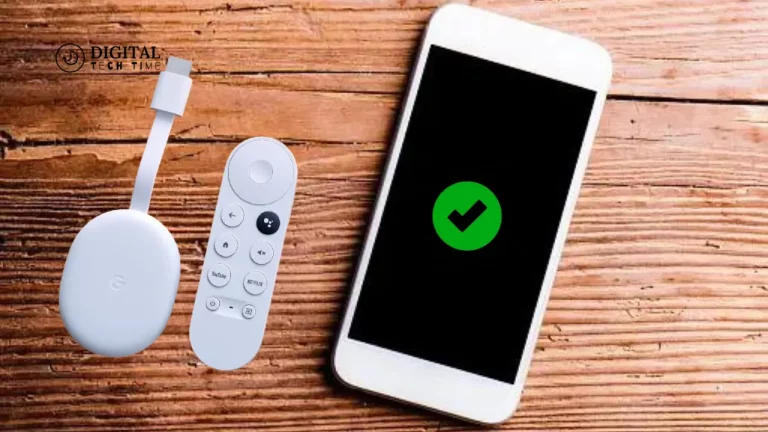
Chromecast is a small, unassuming device that plugs directly into your television’s HDMI port. It allows you to stream a wide range of content from your smartphone, tablet, or computer directly to your TV. By mirroring your device’s screen or casting specific apps, Chromecast lets you enjoy your favorite shows, movies, and music on the big screen. The beauty of Chromecast lies in its simplicity and versatility, making it a popular choice for seamless home entertainment.
Can you use Spotify with Chromecast?
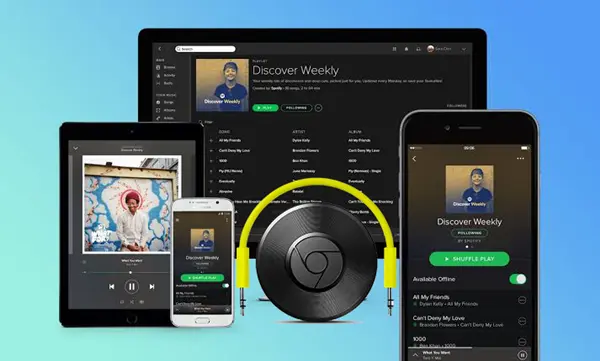
Absolutely! Spotify and Chromecast are a match made in heaven. By integrating these two technologies, you can effortlessly stream your Spotify playlists, albums, and podcasts directly to your television, transforming your living room into a personalized concert hall. This powerful combination allows you to enjoy your music with the superior sound quality and immersive experience that a larger screen and speaker system can provide.
Benefits of using Spotify with Chromecast
- Expanded Audio Capabilities: By casting Spotify to your Chromecast-enabled TV, you can use the enhanced sound quality and volume that your television’s speakers provide, elevating your listening experience.
- Shared Enjoyment: Chromecast’s screen mirroring capabilities allow you to share your Spotify music with friends and family, fostering a communal listening experience and creating lasting memories.
- Convenience and Control: With Spotify and Chromecast, you can control your music playback directly from your smartphone or tablet, eliminating the need to switch between devices or constantly reach for a remote control.
- Seamless Integration: The Spotify and Chromecast integration is designed to be intuitive and user-friendly, making it easy to set up and use, even for those less tech-savvy.
- Versatility: Chromecast supports a wide range of apps and services, including Spotify, allowing you to access a vast content library and expand your entertainment options beyond just music.
How to set up Spotify with Chromecast
- Ensure Compatibility: Ensure that your Chromecast device and Spotify app are up-to-date and compatible.
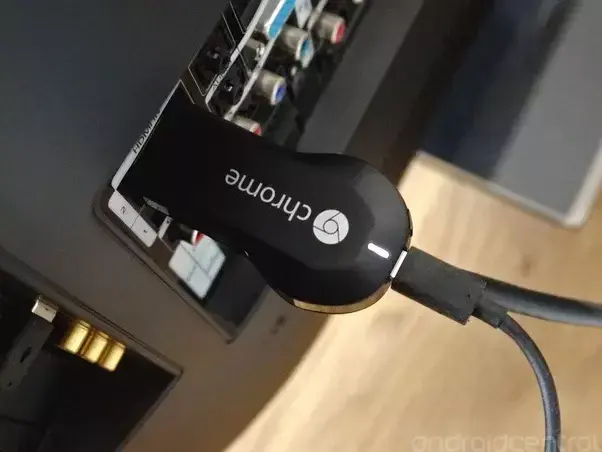
- Connect Chromecast to Your TV: Plug your Chromecast device into your television’s HDMI port and follow the on-screen instructions to set it up.
- Download the Spotify App: If you haven’t already, download the Spotify app on your smartphone, tablet, or computer.
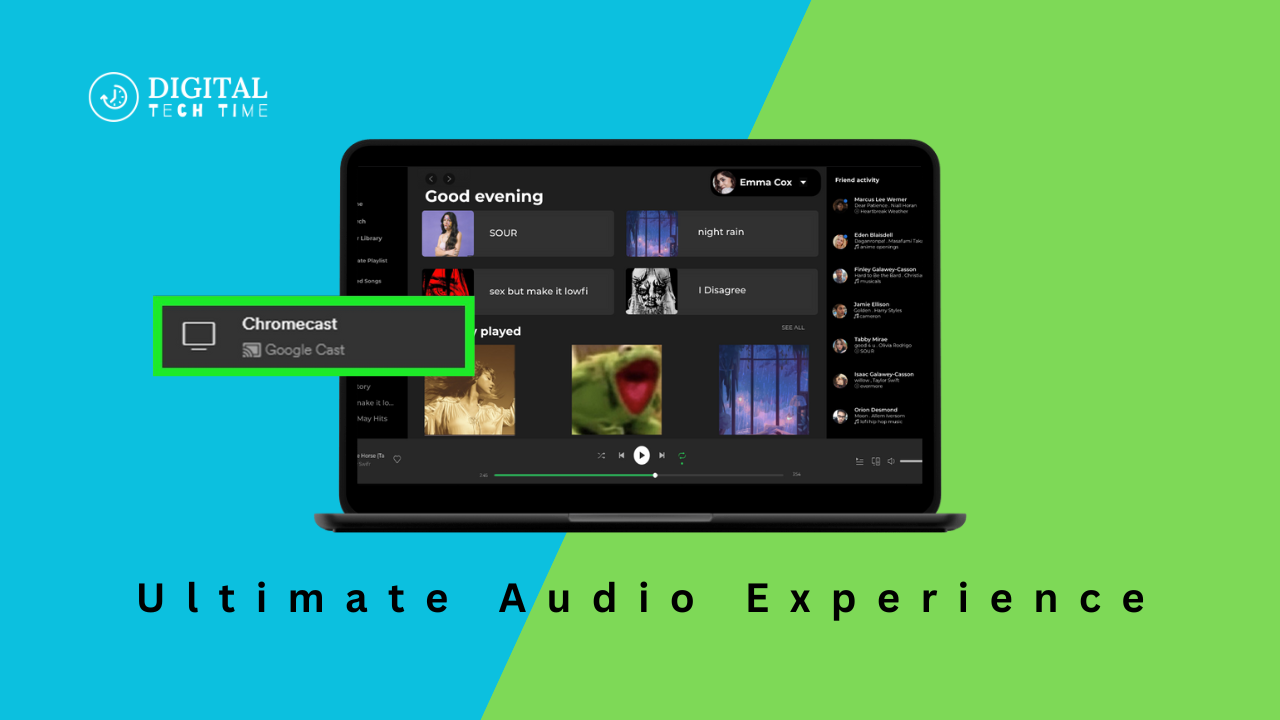
- Enable Chromecast on Spotify: Look for the Chromecast icon (it resembles a TV with a Wi-Fi symbol) within the Spotify app and tap it to select your Chromecast device.
- Start Streaming: Once connected, you can stream your Spotify music, playlists, and podcasts directly to your television.
- Adjust Volume and Playback: The Spotify app has controls for adjusting the volume, skipping tracks, and managing playback.
Streaming Spotify to Chromecast from different devices
Smartphone or Tablet:
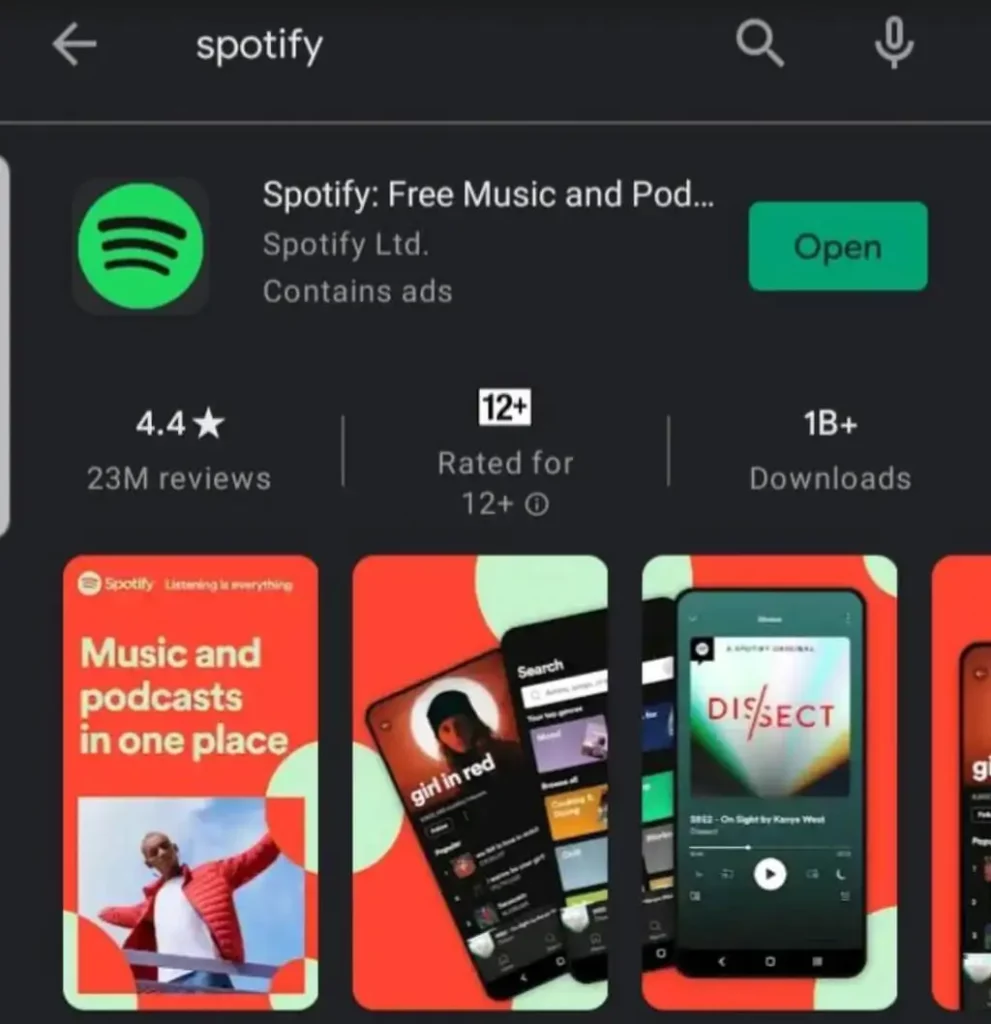
- Open the Spotify app on your mobile device.
- Locate the Chromecast icon and select your Chromecast device.
- Start playing your desired content, which will automatically stream to your TV.
Computer:
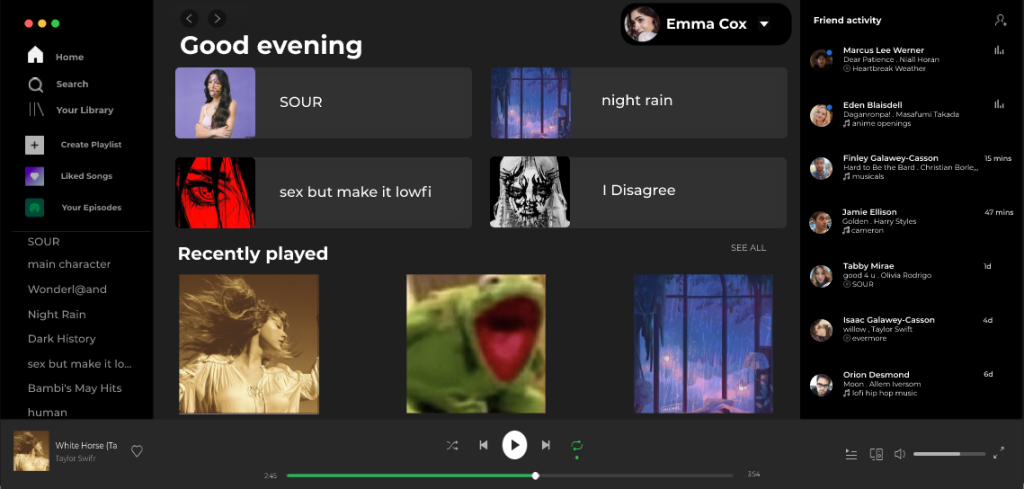
- Open the Spotify app on your computer.
- Look for the Chromecast icon and select your Chromecast device.
- The Spotify content will now be mirrored on your television.
Voice Commands: If you have a Google Assistant-enabled device like a Google Home or Android TV, you can use voice commands to control your Spotify playback on Chromecast. Simply say, “Hey Google, play [artist/playlist/song] on Chromecast” to stream your music seamlessly.
Alternatives to using Spotify with Chromecast
While Spotify and Chromecast make an exceptional pairing, there are other options available for streaming audio to your television:
- Apple AirPlay: If you’re an Apple user, you can use AirPlay to stream Spotify (or any other audio content) from your iOS device or Mac directly to your TV.
- Amazon Fire TV: Amazon’s Fire TV devices offer built-in support for Spotify, allowing you to stream music without needing a separate Chromecast device.
- Smart TV Apps: Many modern smart TVs come with Spotify and other music streaming apps pre-installed, eliminating the need for additional hardware.
- Bluetooth Connectivity: If your TV or sound system has Bluetooth capabilities, you can directly connect your smartphone or tablet to stream Spotify wirelessly.
Also Read: How to Change the Cursor on Chromebook: Step-by-Step Guide
Frequently Asked Questions
Q: Do I need a Spotify Premium subscription to use Chromecast?
A: A Spotify Premium subscription is required to use Chromecast with Spotify. The free Spotify plan does not support Chromecast integration.
Q: Can I control Spotify playback on Chromecast from multiple devices?
A: Yes, you can control Spotify playback on Chromecast from multiple devices, such as your smartphone, tablet, or computer, as long as they are connected to the same Wi-Fi network.
Q: Does Chromecast support lossless audio quality from Spotify?
A: Yes, Chromecast can stream Spotify’s highest audio quality, including lossless and high-bitrate streams, provided your internet connection and TV/speaker system can support it.
Conclusion
The seamless integration of Spotify and Chromecast has revolutionized how we experience music at home. By leveraging the power of these two technologies, you can unlock a truly immersive audio experience, transforming your living room into a personalized concert hall. Whether you’re hosting a party, enjoying a solo listening session, or want to elevate your everyday music enjoyment, the Spotify-Chromecast combination is a must-have in your digital entertainment arsenal.
To take your Spotify experience to the next level, visit the [Chromecast website] to learn more about the device and how it can enhance your music listening. Unlock the ultimate audio experience today!