Closing Apps on Samsung Smart TV: A Step-by-Step Guide
Because this is an important feature to keep your Smart TV in shape, for the sake of its performance and user experience, I will guide you step by step through how to close apps on your Samsung Smart TV. Furthermore, below, you’ll be able to find out why it’s so important to do that, plus some troubleshooting tips and best practices to fully utilize your device.
Table of Contents
Step-by-Step Guide to Closing Apps on Your Samsung Smart TV
Now that you know how and why you should close apps on your Samsung Smart TV, let’s dive into the step-by-step process for it.
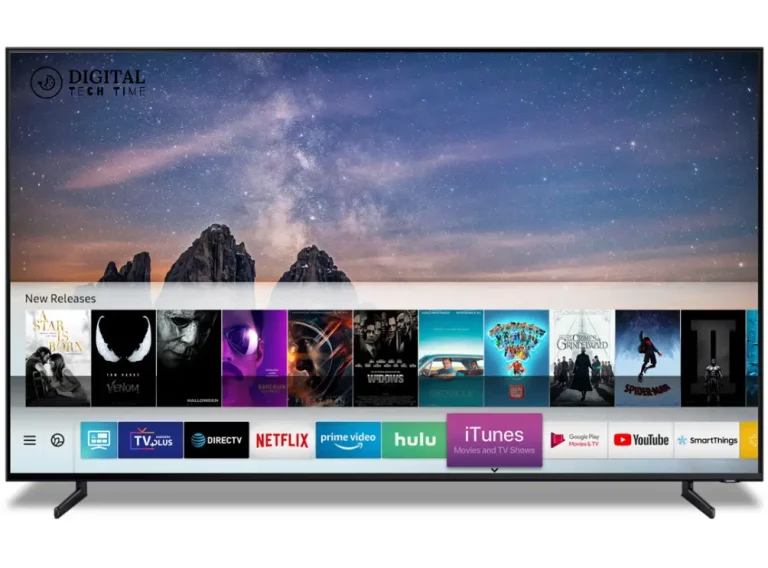
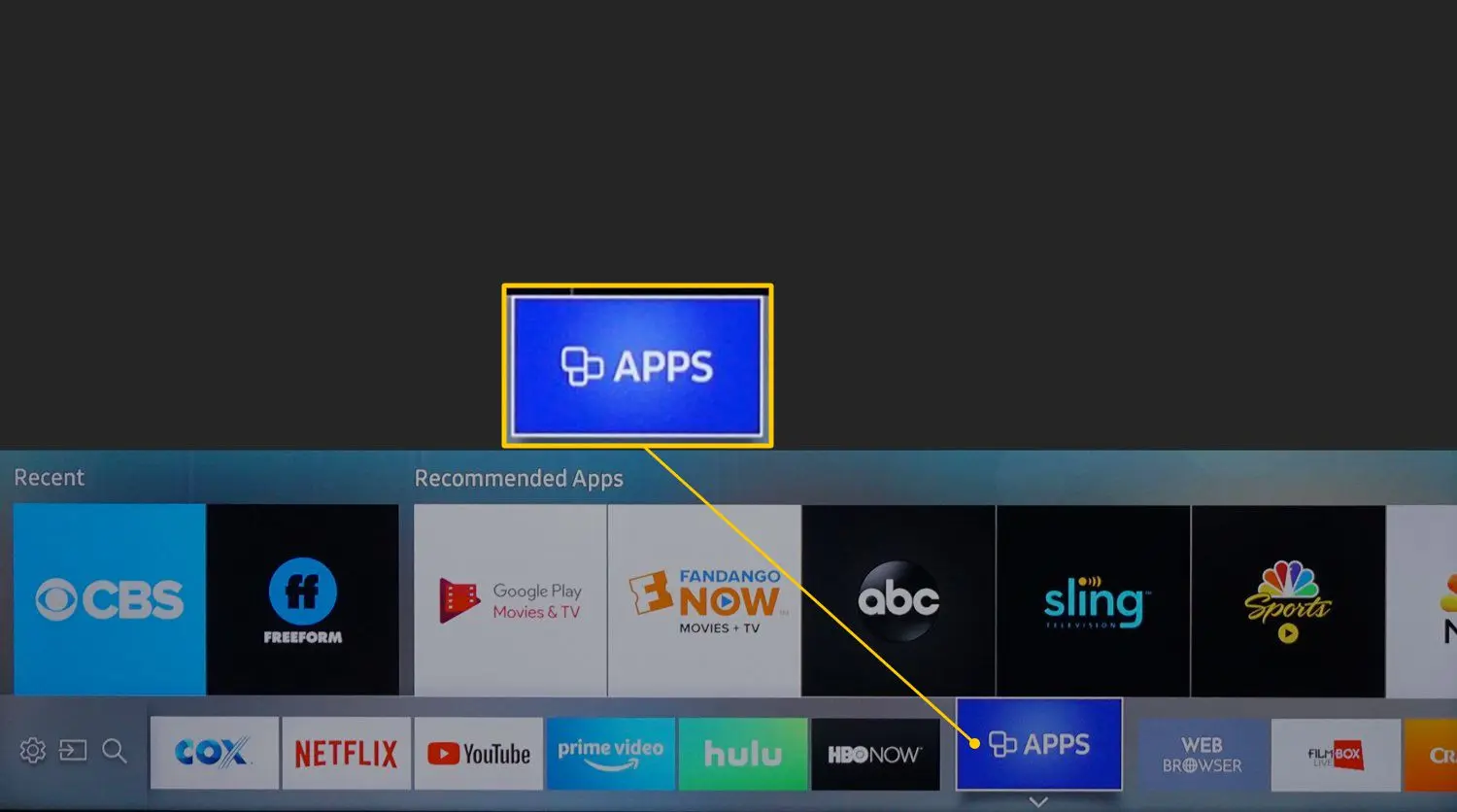
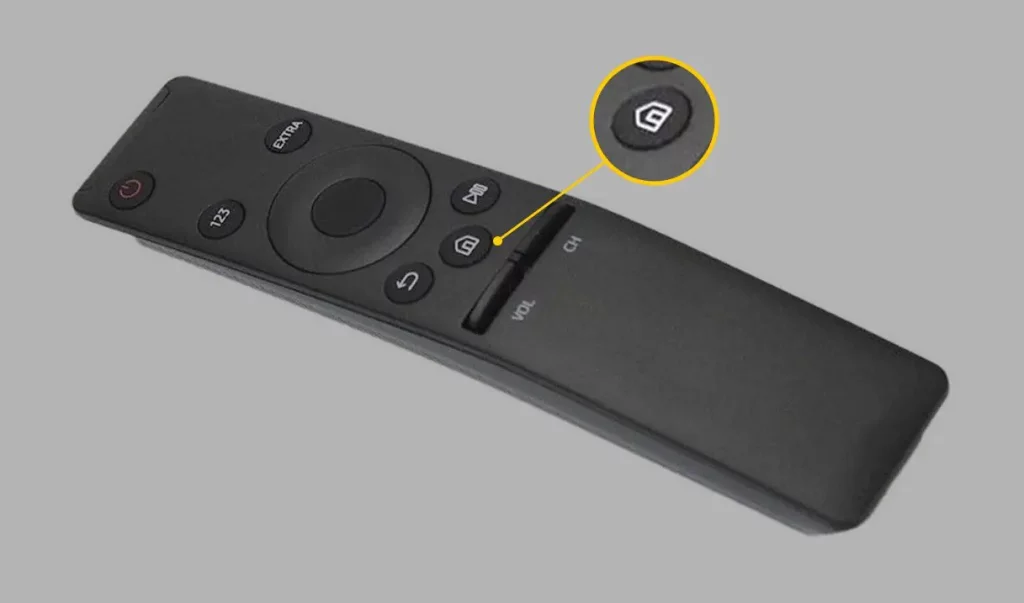
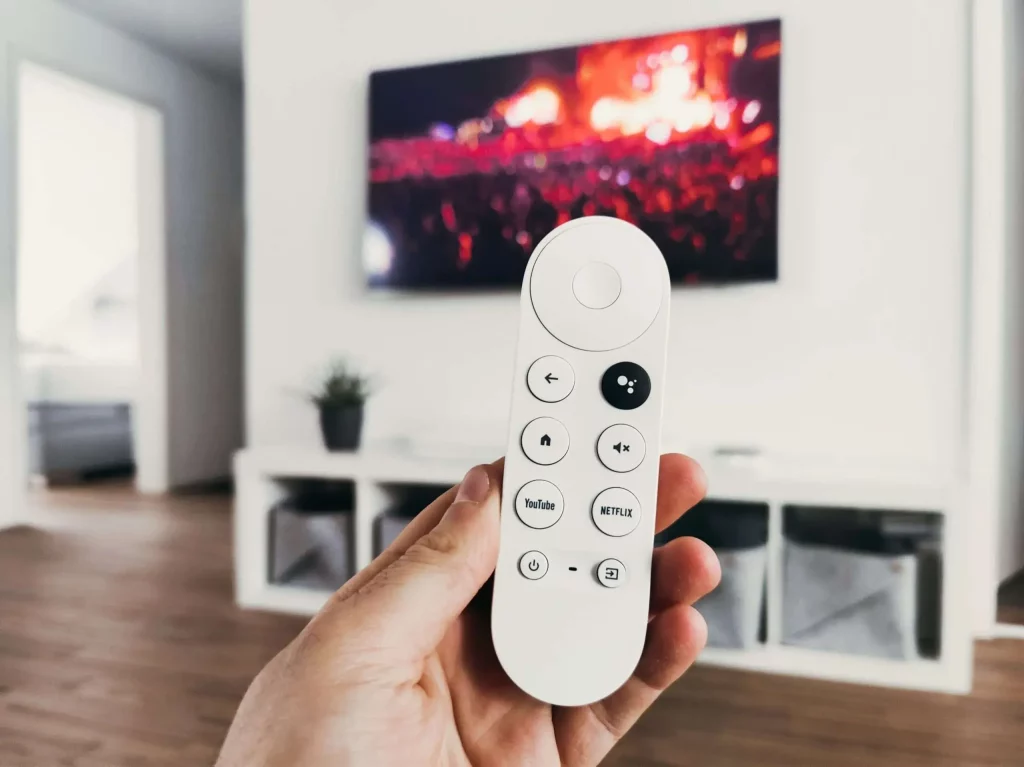
Open App Switcher: Hit the “Home” button on your remote to open the main menu on your Samsung Smart TV. Then, look for the icon of the “App Switcher,” which is usually a square or a list of open apps.
- Identify the Apps to Close: Scroll through the list of open apps and identify the ones you no longer need or want to keep running in the background.
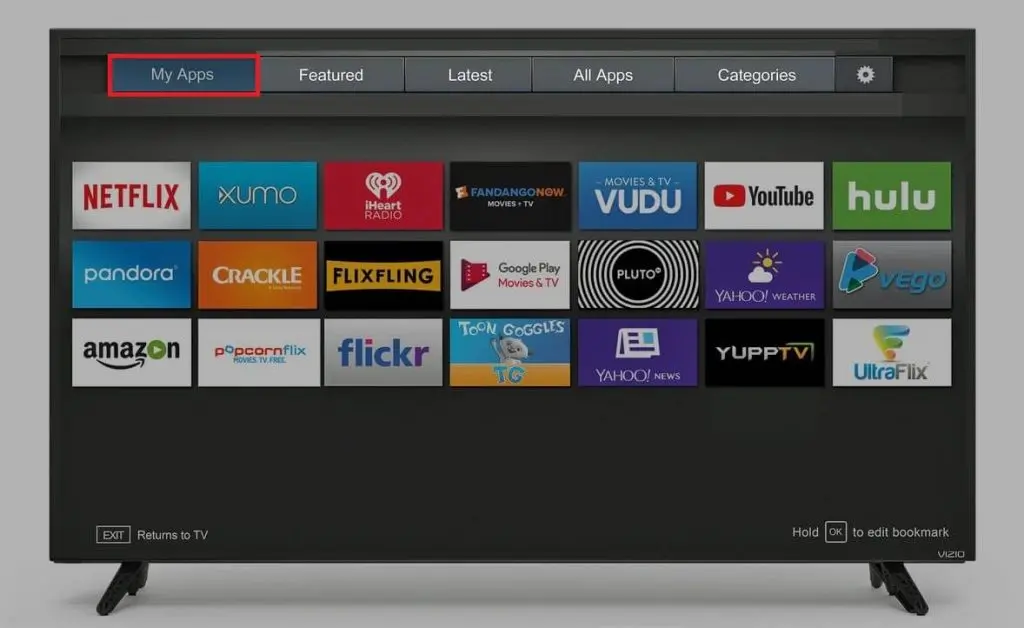
- Close the Apps: To close an app, simply select it and choose the “Close” or “X” option. Repeat this process for each app you want to close.
- Verify the App is Closed: After closing an app, check the App Switcher to ensure the app is no longer listed, confirming that it has been successfully closed.
Common Issues and Troubleshooting Tips When Closing Apps
While closing an app on your Samsung Smart TV is pretty easy, there are a few common problems you might run into. Here are a few troubleshooting tips to help you overcome these challenges:
- Apps that would not close: In case an app for whatever reason would not close or automatically reopened, a forced closure could be tried by holding down the “Home” button on your remote for a couple of seconds; this will launch the App Switcher to close it.
- Slow App Close: Poorly closing apps on your Samsung Smart TV may be due to slow speed or, in some instances, unresponsive. Try restarting your TV to clear any temporary glitches that could be causing the slow action.
- Recurring App Openings: Apps reopening themselves or running in the background, even when you have closed them, will probably require a change in settings or permissions. Refer to the app’s settings or your Samsung Smart TV user manual for instructions on how to stop them from reopening or running in the background.
Best Practices for Optimizing App Performance on Your Samsung Smart TV
Along with the regular closing of applications, here are some guides on how to optimize your Samsung Smart TV:
- Limit Number of Apps: For sure, avoid the temptation of installing lots of apps because this will easily clutter your TV and eventually affect its performance.
- Close Inactive Apps: Make it a habit to close apps once you’re done with them instead of letting them run in the background.
- Periodic Reboot: Reboot your Samsung Smart TV periodically to resolve temporary issues or minor glitches that might hamper its performance.
- Keep Your TV Software Up-to-Date: Ensure that your Samsung Smart TV runs on the latest software update, which normally covers performance enhancement and bug fixes too.
- App notification management: You can adjust settings for notification according to your desire so you may not be annoyed by the unnecessary notifications that will disturb you during viewing.
Frequently Asked Questions
Q: What was the problem with Samsung and their smart TVs?
A: The problem was relatively minor, says Gartner principal research analyst Paul O’Donovan; it came from a difficult few weeks for Samsung.
Q: What could be better with a Samsung smart TV?
A: Disadvantages: Limited viewing angles: Some Samsung LED TVs can offer compromised viewing angles, affecting the viewing experience from off-center positions [1]. Poor black levels: The LED TVs lack the production of deep black levels, hence less contrast and detail in dark scenes.
Q: Why Samsung TV is better?
A: Samsung TVs have higher picture quality than the average LG LED-backlit LCD TV. Samsung TVs are usually a fair bit brighter, with better contrast,
Q: What are some of the security risks of Samsung TV?
A: As long as your smart TV is connected to the internet, it is always prone to hacking. If cybercriminals can access your smart TV,
Conclusion
Learn how to close applications on your Samsung Smart TV and let the device perform with the greatest ease. Benefits, step-by-step process, and tips for best practice- the three principles that would help to keep the wheel of Samsung Smart TV running at its best.
Knowing when to close an application and how to manage the resources of your device will bring improved performance, reduced energy use, security, and privacy. It is, therefore, time to begin optimizing your Samsung Smart TV.
If you found this guide helpful, feel free to share it with your friends and family who use a Samsung Smart TV. Let’s help each other make the most of our gadgets in the name of perfecting the entertainment arena.
Related Article