How to Reset Display Settings on Windows 10 Easily Quick Fix
Easily reset your Windows 10 Display Settings with our quick guide. Follow these simple steps to resolve display issues in no time.

Windows is a widely used operating system developed by Microsoft Corporation. It is known for its user-friendly interface and broad compatibility with many software applications and hardware devices. Windows provides a robust platform for personal and professional use, offering a variety of features that cater to productivity, entertainment, and security needs.
The Windows operating system includes an intuitive desktop environment, comprehensive system management tools, and built-in security measures such as Windows Defender. It supports a wide range of applications, from productivity suites like Microsoft Office to graphics-intensive video games, making it a versatile choice for users of all kinds. Windows is continually updated to enhance its functionality and security, with updates that bring new features, performance improvements, and security enhancements.
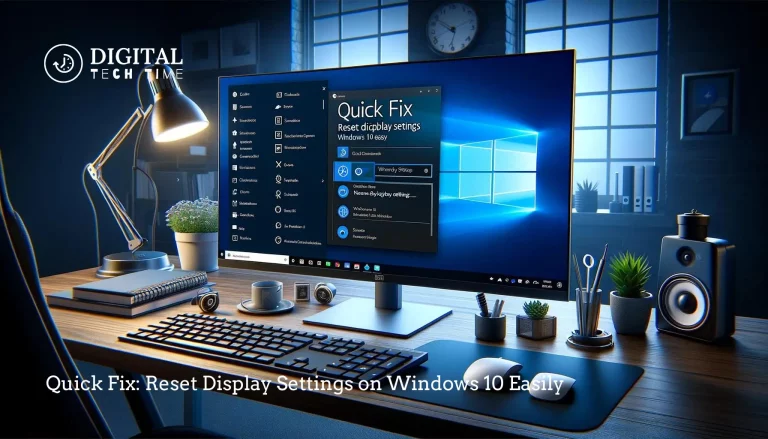
Easily reset your Windows 10 Display Settings with our quick guide. Follow these simple steps to resolve display issues in no time.
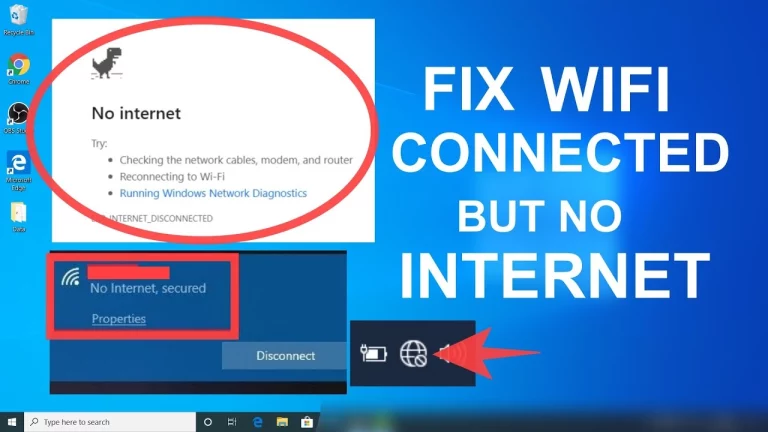
Fix WiFi Connected: It’s crucial to understand and handle these kinds of connectivity characteristics, as disruption is the main barrier to all online activities. In this blog post, you will be guided through the ten best ways to troubleshoot and fix the issues in WiFi being connected without the internet. All the methods are custom-made…
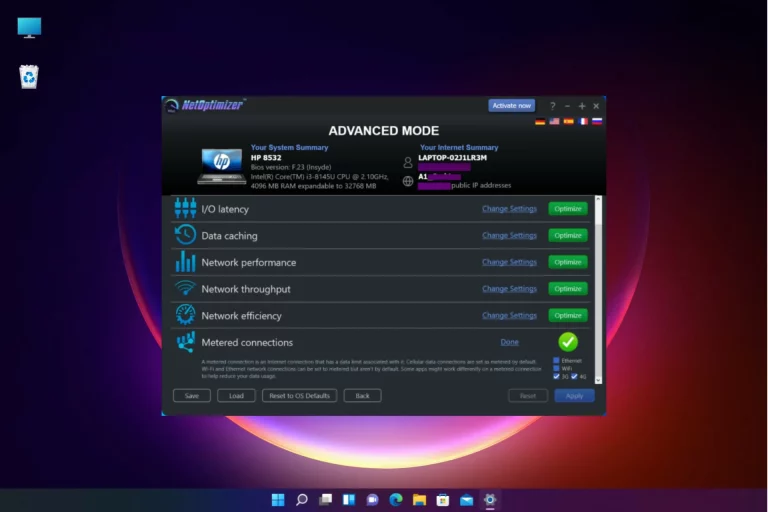
Select Settings > Network & internet. In the network connection status at the top for the network you’re connected to, select Data usage. To enter a data limit for that network, select Enter limit, choose the Limit type you have for your data plan, enter other limit info, and then select Save. Introduction to Bandwidth…
As an experienced writer, I understand the frustration of encountering the “Cannot Create Key” error when writing to the Windows Registry. This error can be particularly tricky to troubleshoot, as various factors can cause it. However, don’t worry – in this comprehensive guide, I’ll walk you through the most common reasons behind this error and…
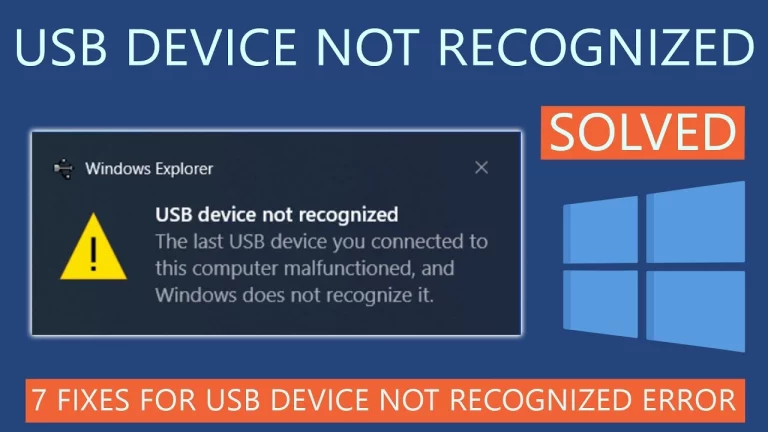
As a seasoned Windows user, I’ve encountered my fair share of frustrating technical issues, and the “USB Device Not Recognized” error code 43 is one that I’ve had to tackle on multiple occasions. This error can be particularly irritating, as it can prevent you from using essential USB devices, such as keyboards, mice, external hard…
The drop shadow effect on desktop icons in Windows 10 is a visual enhancement that adds a subtle shadow behind each icon, creating the illusion of depth and making the icons appear to “float” above the desktop background. This feature is enabled by default in Windows 10 and is designed to provide a more polished…